Your AI Fix Passes Locally. Why Does Production Still Fail?
Check release mismatches, environment assumptions and regression coverage before accepting an AI coding agent's fix for a production failure.

By Owen Far
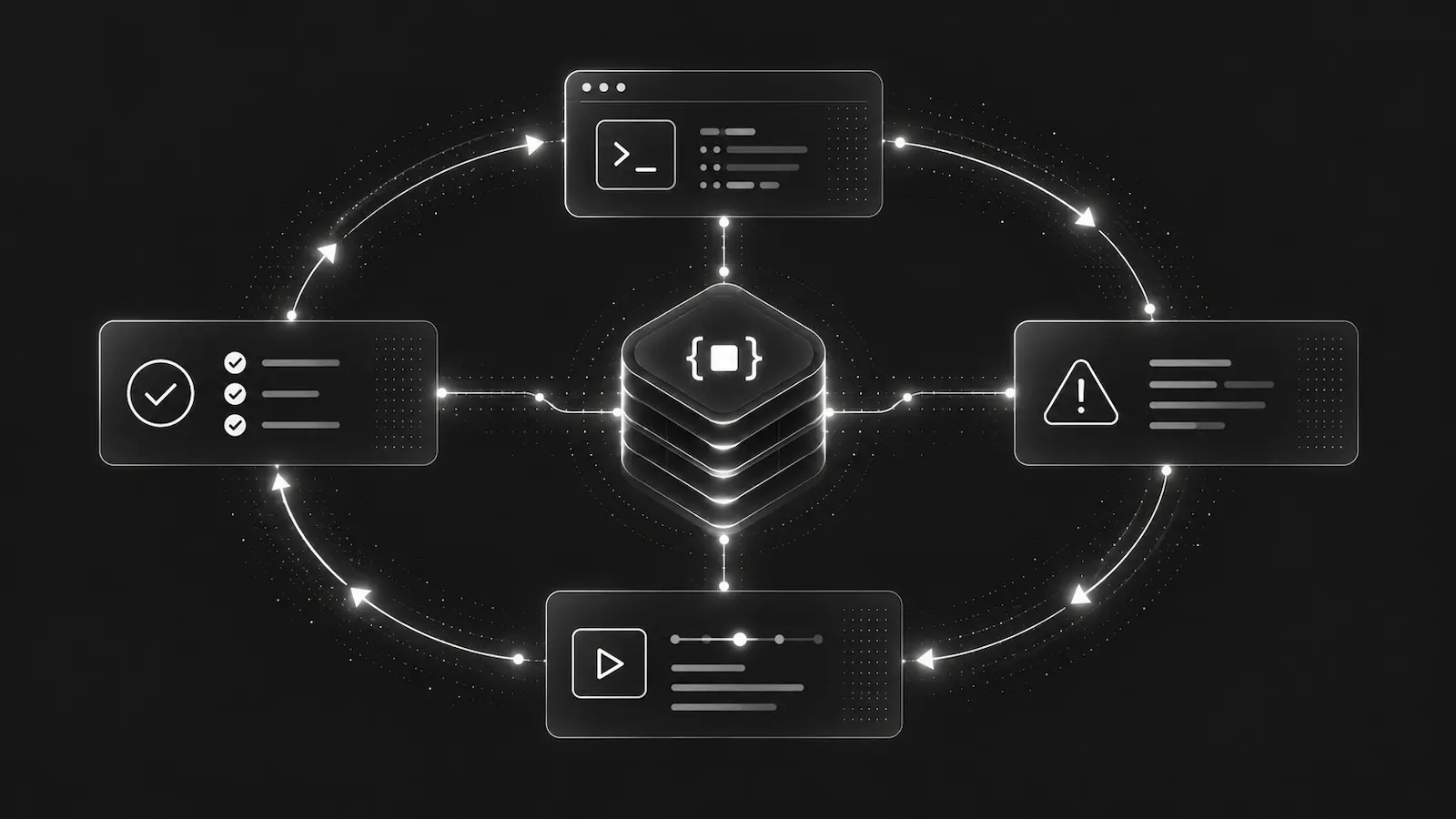
A coding agent changes the failing function, adds a test and reports green. The production alert appears again. Before asking for another patch, check whether you are comparing the same failure, code and conditions.
A local test answers a bounded question about the environment where it ran. It does not establish which version served a production request, whether the relevant configuration matched, or whether the intended user journey now works. A useful investigation separates those questions rather than treating “fixed” as one state.
1. Establish whether this is a new failure
Start with the incident timestamp and the captured release, service and environment, where available. Compare those with the deployment being assessed. An old incident remaining visible is not the same as a new failure after deployment.
Ask which evidence would distinguish the two. If release information was not captured, leave it unknown and verify the deployed version through an authorised source. Do not let the agent substitute the repository's current branch for evidence of what ran.
Also compare the failure itself. A similar message on another route or service may need a different investigation. Record what matches and what does not before grouping everything under the original bug.
2. Check the test's assumptions
Consider a hypothetical export service. A report download fails in production because the worker cannot find the requested export file. The agent adds a missing-file guard and a local test passes. This example is illustrative, not an observed DebugBundle incident or a demonstrated repair.
The test may create a file in the web process's temporary directory, while production serves downloads from a separate worker. Or it may test only that the exception disappears. Neither proves that a user can retrieve the report.
Write down the relevant differences: process, storage location, configuration and permissions. Inspect only what the investigation requires, through authorised access. Do not copy production credentials or customer files into the test environment. When a difference is unverified, turn it into an explicit question rather than a confident explanation.
3. Define the outcome before accepting the patch
For the hypothetical export, the expected result is not merely “no exception”. A completed export should be downloadable by its authorised requester. An export that is not ready should return an appropriate response, and another user's file must remain inaccessible.
Those are distinct regression cases. Review whether the tests cover the intended behaviour and the important failure boundary. A guard that replaces every missing file with an empty successful download could silence the original error while leaving the product broken.
Ask the agent to report each tested assertion, its result and what remains untested. A passing build, a passing regression test and a successful end-to-end check are different pieces of evidence.
4. Keep a short verification record
Before another code change, record four things:
- The failure being investigated, including timestamp and available release context.
- The proposed explanation and the evidence that could contradict it.
- The intended behaviour and the tests that check it.
- The remaining production question, who can check it and what result would be sufficient.
This makes a useful handover even when the agent cannot access production. It also prevents a local result being quietly promoted into a deployment claim.
After an authorised deployment, confirm the intended version is running before assessing new evidence. Use a controlled check appropriate to the operation. Do not replay real purchases, send customer messages or repeat state-changing requests simply to demonstrate that an alert disappeared. If a safe check is unavailable, report that limitation.
5. Give the agent bounded evidence, not a verdict
DebugBundle packages captured errors and available request, log and release context into structured bundles. That can help connect a production failure to the code under review. It does not reconstruct every environmental condition or guarantee that the proposed explanation is right.
Retain the particular artifact used for an investigation when you need to review what the agent saw. An incident's active bundle can change as evidence arrives. Review captured data before sharing it; redaction and capture controls have limits.
Use the evidence path appropriate to your setup. Local evidence can stay local; hosted retrieval requires the intended project, environment and connection permissions. For connection setup, read the Codex production-debugging guide.
For a first evaluation, inspect the synthetic example, then follow the quickstart to capture one controlled test failure from your own application. Check whether its bundle helps you identify the failing path, relevant context and remaining unknowns. Useful inspection is the first goal, not an automatic production fix.
Debug production errors with your AI agent
DebugBundle captures errors and their surrounding context in structured debug bundles, giving your coding agent the evidence to investigate.
Open source · Start free