WordPress debugging bundles with the DebugBundle plugin
Use the DebugBundle WordPress plugin to capture backend PHP errors, frontend browser exceptions, breadcrumbs, and same-origin relay events.

By Owen Far
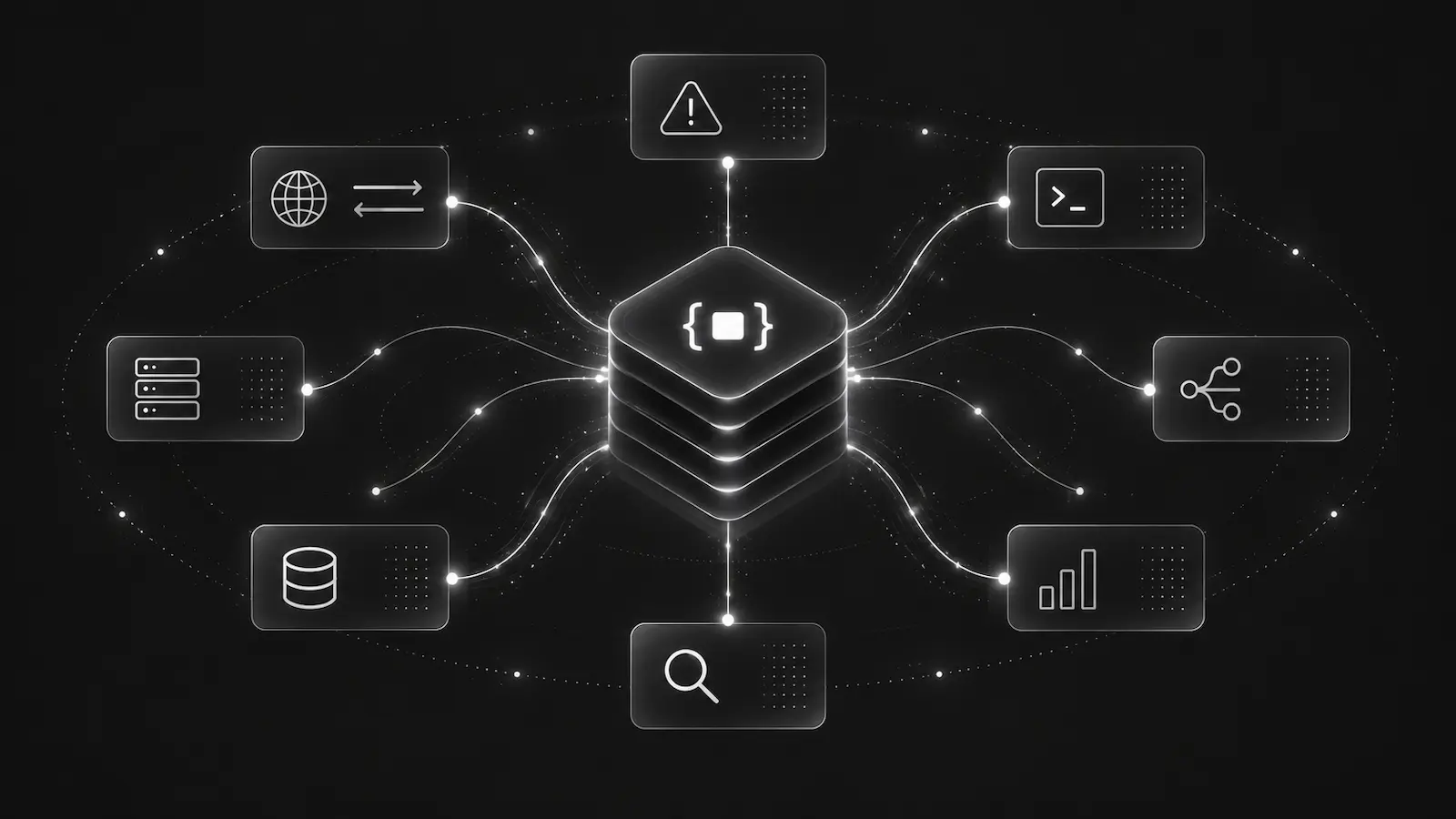
WordPress production debugging has a different shape from framework apps. Many sites do not have Composer, npm, shell access, or a custom deployment pipeline. A useful debugging integration has to work from the WordPress admin flow while still keeping production capture safe.
The DebugBundle WordPress plugin is the WordPress-specific path. It bundles the PHP SDK and Browser SDK, adds a normal settings page, and keeps the project token on the server.
Why WordPress should not start with manual SDK wiring
A Laravel or Symfony app can usually add a Composer package and wire middleware. A WordPress site may be hosted on managed infrastructure where that is not realistic.
The plugin path avoids requiring Composer, npm, shell access, CDN scripts, or manual browser relay setup. Site admins install DebugBundle from the WordPress.org plugin directory, activate it, open Settings -> DebugBundle, paste the project token, and run backend and frontend test events.
That does not make it less serious as a production debugging path. It just matches how WordPress is actually operated.
What gets captured
A useful WordPress debug bundle should cover both backend and frontend surfaces:
- backend PHP errors and exceptions,
- backend request metadata such as method, path, sanitized query and headers, status, and duration,
- frontend browser exceptions from public pages,
- error-only browser breadcrumbs such as clicks, route changes, and first-party network failures,
- optional browser console capture when it is useful,
- plugin and bundled SDK status for setup troubleshooting.
The current default avoids capturing wp-admin traffic. That is a good starting posture because admin pages can contain sensitive operational data and user workflows that deserve separate review before capture.
Same-origin browser relay is the important design detail
The browser SDK posts frontend events to the same WordPress site:
/wp-json/debugbundle/v1/browserThe relay validates origin, enforces JSON and body-size limits, applies per-IP rate limiting, strips browser-supplied credentials and trust fields, and forwards server-side with the project token. If ingestion is unavailable, accepted browser events can be written to a bounded local spool and retried by WP-Cron.
The browser configuration rendered into pages should never include project tokens, member tokens, API keys, or Authorization headers.
Privacy expectations for WordPress sites
WordPress often stores user profiles, ecommerce records, form submissions, plugin settings, and admin data in the same application surface. Debugging context must stay operational.
The plugin avoids raw WordPress usernames, emails, display names, and user IDs. When user context is available, logged-in users can be represented with a salted hash instead of raw identity.
For site-specific fields, review redaction before enabling capture on production traffic. A debugging tool is useful only when operators trust what it will and will not collect.
How this helps AI agents
A WordPress incident bundle gives an agent more than a PHP fatal line. It can show whether the failure came from backend PHP, a frontend exception, a failed first-party browser request, a plugin route, or a configuration issue. That makes it possible to investigate plugin conflicts, theme errors, integration failures, and production 500s without guessing from logs alone.
Use the WordPress plugin docs for installation and setup details, and the PHP SDK docs if you are building a custom Composer-managed WordPress deployment.
Debug production errors with your AI agent
DebugBundle captures errors and their surrounding context in structured debug bundles, giving your coding agent the evidence to investigate.
Open source · Start free