Why DebugBundle exists
The debugging status quo hands AI agents raw logs and expects structured reasoning. DebugBundle was built to close that gap.

By Owen Far
The problem
Modern applications fail in production. That has always been true. What has changed is who responds first.
Increasingly, AI agents are the first responder. They receive a webhook, a Slack alert, or an MCP tool invocation. They are expected to diagnose the issue, find the root cause, and propose a fix — often without any human in the loop.
But the artifacts they receive are terrible for structured reasoning:
- Raw log files with thousands of irrelevant lines
- Stack traces without request context or service metadata
- Error messages with no correlation to related events
- Scattered signals across multiple services with no grouping
Agents are powerful reasoners, but they need structured input. Handing them raw logs is like handing a surgeon a bucket of parts.
The thesis
DebugBundle exists because debugging artifacts should be structured, compact, and deterministic.
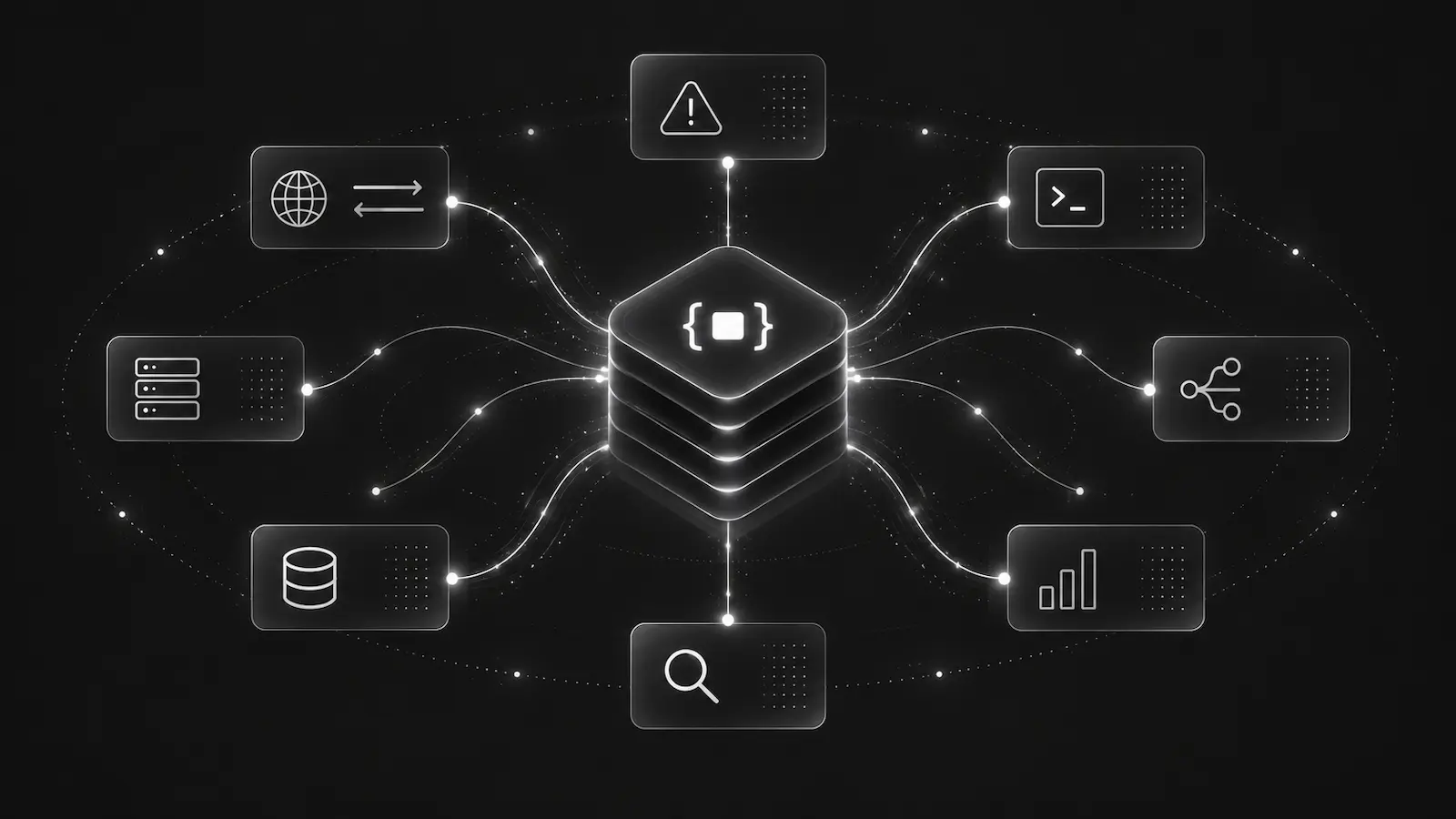
Every incident captured by DebugBundle produces a bundle — a single JSON artifact that contains:
- The triggering error with normalized stack frames
- Related request and response context
- Correlated events across services
- Environment and deployment metadata
- A reproduction artifact with executable steps
This bundle is the same whether a human reads it or an agent processes it. The same bundle, retrieved through API, CLI, or MCP, produces the same analysis.
Why not just use existing tools?
Existing error tracking tools were built for human dashboards. They optimize for:
- Visual timelines and charts
- Click-through drill-downs
- Browser-based triage workflows
None of these work for an AI agent that received a bundle.created webhook and needs to analyze the failure programmatically.
DebugBundle was designed from the ground up for interface parity: if a capability matters for automation, it must be available through API, CLI, and MCP — not locked behind a dashboard.
Local-first, then cloud
DebugBundle starts local. You can capture, process, and inspect incidents without DebugBundle Cloud on any machine where you control the filesystem and can run the CLI. The free tier gives you unlimited local usage.
When you need hosted processing, team collaboration, or remote probes, connect to the cloud. But the local workflow is always available, always free, and private to the machine or storage volume where you run it.
What comes next
This is the beginning. DebugBundle is shipping, and the focus now is on making the core loop — capture, bundle, resolve — as reliable and useful as possible for both human developers and AI agents.
Read the quick start guide to try it yourself.