Weekly Smart Improvements: work towards zero recurring incidents
Turn recurring incidents, alert noise and product analytics into a weekly plan for you and your AI coding agent, with checks to verify each improvement.

By Owen Far
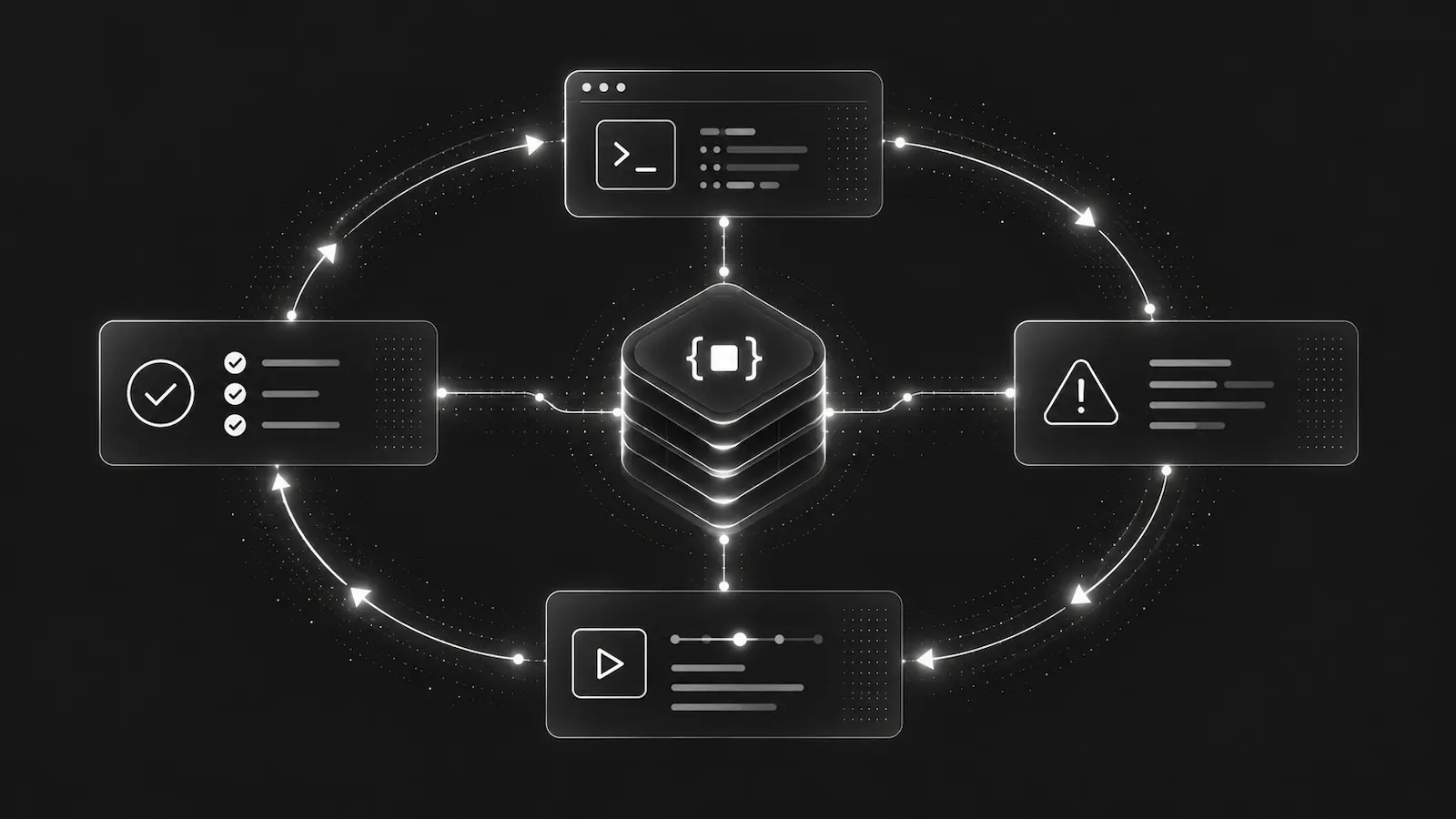
The same timeout returns after another deploy. A warning fills the logs every week. Several alerts point to the same incident, while an analytics opportunity suggests people are struggling to finish checkout. There is useful work in that evidence, but someone still has to decide where to start.
Weekly Smart Improvements brings those observations together into a short project review for you and your AI coding agent. It uses the incidents, improvement opportunities, aggregate product analytics, monitored health and relevant configuration already available in DebugBundle to suggest what deserves a closer look.
The aim is to work towards zero recurring incidents: understand why failures return, prevent them where possible, and verify that the change holds. A lower incident count is useful only when the underlying experience is getting better too.
Start with the failure that keeps returning
A weekly review prioritises serious active failures, recorded recurrence and regressions, then considers measured product friction and other opportunities. Each suggested step explains the evidence behind it, what to inspect and how to verify the result.
For example, suppose the retained evidence describes a checkout timeout after a retry. A useful next step is to compare attempts with and without that retry, inspect the relevant incident bundle and test the explanation against the failing path. A regression check and subsequent observations help establish whether the fix worked.
This example is an investigation question. The person or agent still needs to inspect the implementation and supporting evidence before drawing a conclusion.
When a recurring improvement opportunity already points to an incident, the review can group that recorded relationship into one piece of work. An available health signal can add a separate check: compare failing and last-successful observations, verify recovery, and make sure previously successful checks still pass.
Reduce alert fatigue without hiding real failures
Recurring failures need fixes. Repeated signals can also reveal expected behaviour, excessive capture or notification settings worth reviewing. Smart Improvements helps distinguish those questions and points to DebugBundle's existing controls:
- Capture policy and capture rules: inspect the current capture settings, existing rules and incident-based suggestions before deciding whether verified expected behaviour should remain context or receive narrower capture.
- Alert delivery: review repeated deliveries for the same incident, including deliveries across different rules, alongside cooldown, scope and email aggregation settings. Multiple recipients may be intentional.
- Improvement sensitivity: check whether the selected setting produces useful opportunities for the project.
- Temporary diagnostics: review active probes and investigative capture when the original investigation may no longer need the extra evidence.
These controls affect different things. Keeping an event as context can reduce incident churn while preserving diagnostic value, but retained events can still count towards ingestion. Sampling or dropping affects retained event volume. An alert cooldown or digest changes notifications. Sensitivity changes which opportunities surface.
Before tuning, establish whether the behaviour is expected and whether users are affected. Afterwards, check the expected pattern and genuine failures, preserve critical and regression visibility, and reverse the change if useful evidence disappears. The noise management guide and ingested-event guide explain the available controls.
SDK-local filters remain a repository inspection task when project controls cannot meet the requirement. The review does not claim to know which hooks or filtering settings your installed SDK uses.
Bring product analytics into the investigation
Reliability and product usage often belong in the same review. A failing checkout request and a drop in checkout completion both deserve attention, but seeing them together does not establish that one caused the other.
When the right product analytics evidence is available, Smart Improvements can highlight measured flow opportunities and ask the agent to inspect the affected steps, denominator, sampling and comparable segments. Recorded relationships help narrow the investigation; the explanation still needs testing.
If the sample or observation window is incomplete, the next step is to collect or check the missing evidence. That keeps a speculative interface change from looking like a measured improvement. Lower traffic, changed capture settings or missing observations do not prove that a flow has recovered.
Give your AI coding agent a useful starting point
Weekly reviews are available in the app and through the API, CLI and ordinary MCP integration. A coding agent can read the same saved evidence and plan, follow the relevant sources, and continue into an authorised repository investigation.
For example:
Read the latest weekly Smart Improvements review for this project. Start with the highest-priority recurring failure and inspect its supporting bundle. Explain what could confirm or disprove the proposed cause, then propose a bounded fix and verification plan. Review any noise or alert settings separately, and ask before changing configuration.
The review itself does not inspect your repository or rendered UI, apply a filter, change code or resolve an incident. Those actions belong to the existing authorised workflow. See the MCP guide for connection and access details.
AI adds investigation questions to recorded evidence and structured checks. If validated AI guidance is unavailable, factual evidence and checks remain readable with that state made explicit. Opening a saved review does not run AI again.
One weekly review per selected project
Weekly Smart Improvements is available on Team and Business, with its own allowance separate from reports and generated bundles. The workspace Owner enables it once for selected projects:
- Open Improvements → Weekly reviews → Weekly review settings.
- Choose the projects and privacy mode, then review and confirm the evidence and provider consent.
- Return to Weekly reviews to read the saved reviews and follow their supporting evidence.
Reviews run on Mondays at 09:00 UTC for the latest completed UTC week, with one review per selected project and week. Newly created projects are not added automatically. Empty or unchanged evidence does not buy another AI narrative.
Restricted mode uses generic source labels and withholds captured narratives from the provider. Full mode uses bounded, redacted titles and summaries. Project privacy settings and current access continue to apply.
Reports provide a scheduled overview across selected projects. Weekly Smart Improvements gives each selected project a focused set of next investigations. The weekly reviews guide and plan comparison cover setup and allowances.
Start with one project and one recurring problem. Inspect the evidence, make a justified change, and check the same path under comparable conditions. That is how a weekly review becomes progress towards fewer recurring incidents.
Debug production errors with your AI agent
DebugBundle captures errors and their surrounding context in structured debug bundles, giving your coding agent the evidence to investigate.
Open source · Start free