Python SDK debug bundles for Django, Flask, and FastAPI
Use the DebugBundle Python SDK to capture Django, Flask, FastAPI, logging, async errors, and browser relay context.

By Owen Far
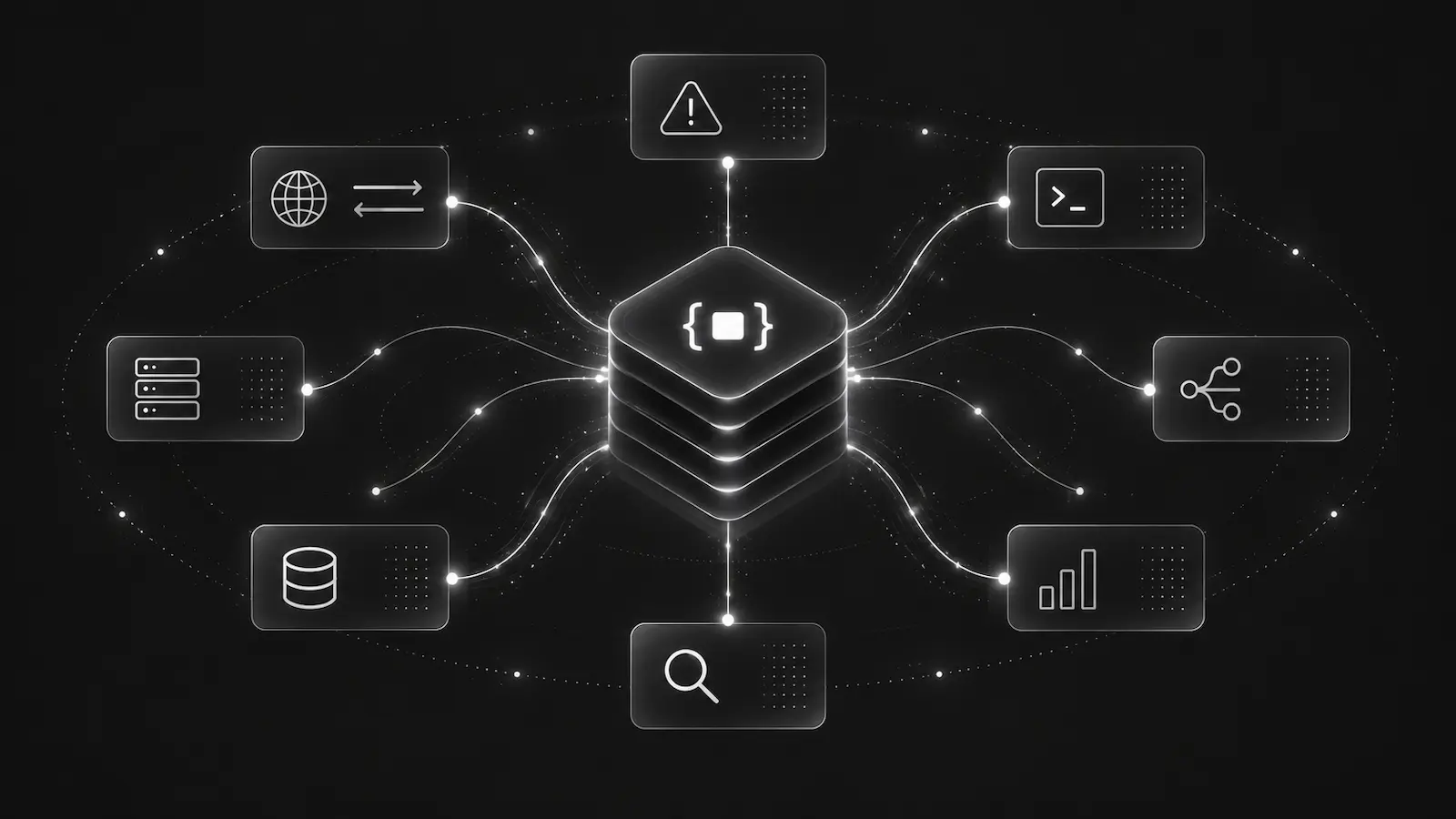
Python services fail in a few predictable ways: unhandled web exceptions, background task failures, async loop errors, 5xx responses, and logs that point at a bug but do not contain enough context on their own.
The problem is not that Python lacks logging. The problem is that raw logs are a weak handoff format for modern incident response. A developer or AI coding agent needs the exception, request metadata, service name, environment, nearby logs, and any reproduction hints in one structured place.
The DebugBundle Python SDK turns Django, Flask, FastAPI, and stdlib Python errors into debug bundles that can be inspected through the CLI, API, MCP, or dashboard.
Start with explicit initialization
For production, initialize the SDK from environment configuration and name the service explicitly. Service naming matters once a project has multiple workers, APIs, or backend jobs emitting incidents.
import os
import debugbundle

debugbundle.init(
    project_token=os.environ['DEBUGBUNDLE_TOKEN'],
    service='checkout-api',
    environment=os.environ.get('APP_ENV', 'production'),
)
The Python SDK exposes opt-in hooks for unhandled exceptions, Python logging, and asyncio loop errors. Keeping these hooks explicit is useful in real systems because framework setup order matters.
debugbundle.capture_exceptions()
debugbundle.capture_logging()
debugbundle.capture_async()
Django, Flask, and FastAPI capture different context
Django integration usually belongs in middleware plus settings. That gives the SDK access to request method, path, status code, and headers around the same lifecycle Django already uses for exception handling.
Flask integration registers an application error handler and request hooks. The goal is not to replace Flask's own behavior; it is to capture the event and preserve the request context before the response is returned.
FastAPI is ASGI-based, so middleware is the right capture point. That lets DebugBundle collect request and response data around async handlers and Starlette-compatible behavior.
The pattern is the same across frameworks: capture enough structure that a production debugging bundle can answer “what route failed, under what context, and what else was happening nearby?”
Browser relay is important for Python-backed frontends
Many Python applications serve or support a browser UI. If the frontend also installs the Browser SDK, the Python backend can host the relay endpoint for browser events.
That means frontend exceptions, browser breadcrumbs, and first-party network failures can flow through the Python service without exposing a server-side project token in JavaScript. It also keeps origin validation, body-size limits, credential stripping, rate limiting, and durable relay behavior on the server side.
For full-stack Django, Flask, and FastAPI apps, this is often the cleaner architecture than direct browser ingestion.
What agents get from a Python debug bundle
An AI agent investigating a Python incident should not start by reading every log from the last deploy. It should list incidents, fetch the bundle, inspect the exception and route, check related logs, and open the reproduction artifact when available.
That workflow only works when the runtime captures structured data. Logs can still be included, but they should be attached to an incident instead of acting as the incident.
Practical rollout advice
Install the SDK in one Python service first, preferably the service with the highest number of 500s or the most expensive manual triage. Capture handled exceptions in code paths where failures are swallowed today. Then add logging capture at warning or above after verifying volume.
Do not turn request bodies on by default. Start with headers, route, status, duration, request ID, trace ID, exception, and probe data. That is usually enough to make a bundle useful without making it unsafe.
See the Python SDK docs for framework examples and the SDK overview for the universal capture model across runtimes.
Debug production errors with your AI agent
DebugBundle captures errors and their surrounding context in structured debug bundles, giving your coding agent the evidence to investigate.
Open source · Start free