Privacy-first product analytics without session replay
Learn how aggregate metrics, consent controls, redacted journeys, and friction signals reveal product problems without video session replay.

By Owen Far
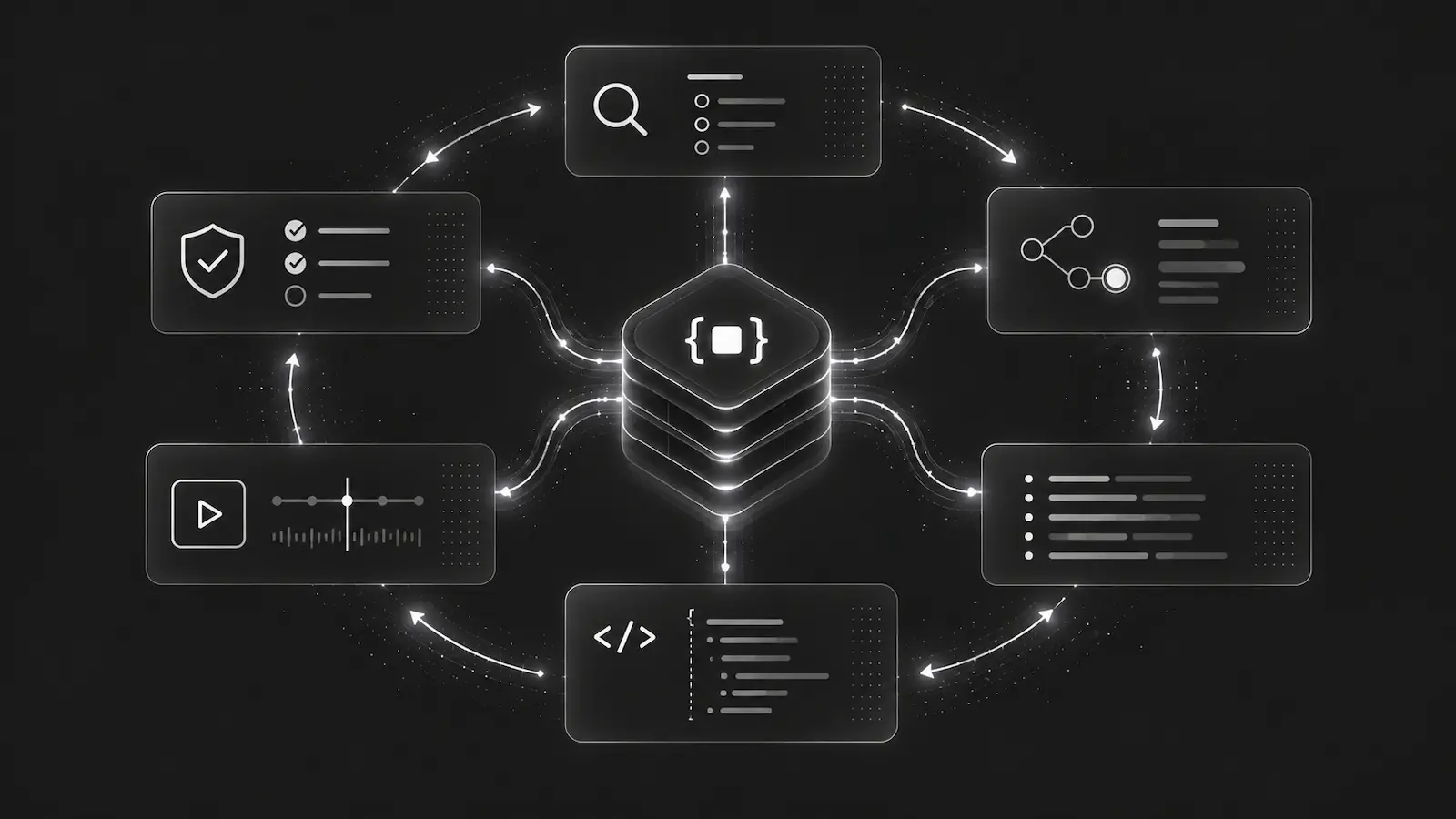
You should not have to choose between understanding your product and respecting the people who use it.
That choice often feels unavoidable because product analytics is presented as a spectrum. At one end are simple page-view counters that miss the shape of a journey. At the other are session-replay tools that record enough detail to make many teams, customers, and security reviewers uncomfortable.
There is a useful middle ground: privacy-first product analytics built from aggregate metrics, deliberate semantic events, and short-lived structured journeys. It can show where people struggle without recording a video of what they did.
What privacy-first product analytics should answer
A useful analytics setup starts with questions, not capture volume.
For a signup or checkout flow, a product team may need to know:
- How many sessions entered the flow?
- Which step loses the most people?
- Did conversion fall after a deploy?
- Are mobile visitors affected more than desktop visitors?
- Do people repeatedly click, backtrack, or leave on the same route?
- Is a production incident affecting a meaningful share of the journey?
None of those questions requires form values, raw click text, a DOM recording, or a video replay. They require reliable counts, safe dimensions, ordered funnel steps, route transitions, and a small amount of representative evidence.
That is the model behind DebugBundle AnalyticsBundle. Analytics is opt-in, browser-first, and aggregate-first. DebugBundle retains long-term product metrics as bounded rollups rather than keeping a searchable archive of raw user activity.
Capture meaning instead of capturing everything
The clearest analytics events describe what happened in the product using stable, human-readable names.
DebugBundle.analytics.track('checkout.step_viewed', { step: 'payment' });
DebugBundle.analytics.funnel('checkout', 'payment_submitted');
DebugBundle.analytics.convert('subscription_started');
DebugBundle.analytics.marker('checkout.validation_failed');
These events tell a product story without copying the page. A funnel step says that someone reached a defined stage. A conversion says that an intended outcome happened. A marker records a bounded, named moment that may help explain the path.
This is usually more useful than collecting every possible interaction. A button label may change. The DOM may be reorganized. A CSS selector can become meaningless after the next release. A semantic event such as subscription_started keeps the same product meaning.
Automatic capture can still help with broad context. The Browser SDK can record privacy-safe page views, route changes, session summaries, referrer domains, device categories, and fixed structural actions such as click.button. Those automatic signals should support the semantic model, not replace it.
Friction signals do not need target data
Repeated clicks and quick route reversals are useful clues. They can suggest that a control did not respond, a route surprised the visitor, or a workflow sent someone backward.
The risky approach is to preserve the clicked element, its text, its selector, its attributes, and its surrounding page. That turns a small behavioral clue into a potentially sensitive record.
DebugBundle detects a bounded set of friction patterns in browser memory and emits only fixed marker keys:
friction.repeated_clickfor repeated clicks on the same interactive target,friction.dead_clickfor repeated clicks on an eligible non-interactive target,friction.backtrackfor a quick safe route reversal.
The target identity and timing used for detection remain ephemeral. Selectors, element IDs, visible text, input values, attributes, and precise coordinates are not sent with the marker.
The result is intentionally modest. A friction marker does not claim to know what a person felt. It gives the team a pattern worth investigating.
Structured journeys are a session replay alternative
Aggregate counts tell you that a path is underperforming. Sometimes you still need an example of how that path unfolds.
A retained AnalyticsBundle journey is a short-lived, redacted timeline. It can contain normalized routes, semantic actions, funnel steps, conversions, fixed friction markers, and timing. It does not contain screenshots, video, DOM snapshots, form values, or raw user text.
For example, a representative journey might read:
/pricing -> /signup -> signup.account_created -> /checkout
-> friction.backtrack -> /pricing
That is enough to discuss the product experience: someone created an account, entered checkout, and returned quickly to pricing. It is not enough to reconstruct the person's screen or private input.
Normal analytics reads still use aggregate route-transition counts. Retained journeys are bounded examples, not a permanent timeline for every visitor. When an AnalyticsBundle includes representative journeys, it selects them using deterministic reach and count rules so a human or agent can understand why those examples were chosen.
Consent and identity should be explicit
Analytics capture is disabled by default. A project must enable it, and the Browser SDK must opt in separately. If either side leaves analytics off, analytics calls are safe no-ops while error capture and debug breadcrumbs continue to work.
The SDK supports three privacy modes:
strictkeeps analytics session-only, with no durable returning-visitor identifier.standardcan keep a project-scoped anonymous value in first-party browser storage and emit only a separate SHA-256-derived visitor hash.customsupports an application-owned consent or identity flow while retaining the same schema and redaction limits.
When consent is required, no analytics is captured until the application calls DebugBundle.analytics.setConsent(true). Withdrawing consent stops future capture and removes the locally stored anonymous value used by standard mode.
Remote project settings can make a local opt-in more restrictive. They can disable analytics, require consent, turn off capture types, or force strict privacy. They cannot silently enable analytics in an application that did not opt in.
Retention is part of the privacy model
Privacy is not only about which fields are captured. It is also about how long each kind of evidence survives.
DebugBundle separates the lifecycle of:
- short-lived raw analytics inputs,
- retained redacted journey samples,
- hourly aggregate detail,
- daily and longer-term aggregate metrics,
- generated AnalyticsBundle artifacts.
That separation lets a team keep useful trend data without keeping the raw material that produced every count. It also prevents the database from becoming a long-term event warehouse with an arbitrary user-history search interface.
Controlled custom dimensions follow the same restraint. Projects explicitly approve a small set of low-cardinality keys such as account_type, release_channel, or experiment_variant. Emails, order IDs, raw user IDs, free-form text, and other identifying or high-cardinality values do not belong there.
A practical way to start
Begin with one workflow that matters. Signup, checkout, first project creation, or another meaningful activation path is usually enough.
- Enable analytics for the project and the Browser SDK.
- Start in
strictprivacy mode and require consent when your product or policy needs it. - Define semantic events for the important steps and outcome.
- Save one funnel with a small number of ordered steps.
- Review aggregate conversion and route data before opening journey examples.
- Retain only the sample and aggregate windows your team can justify.
That gives you a useful baseline without designing a taxonomy for every click on day one.
Privacy-first analytics is not analytics with the useful parts removed. It is analytics with a clearer purpose: collect the smallest amount of evidence needed to understand and improve the product.
Read the AnalyticsBundle overview, privacy and retention guide, and Browser SDK analytics setup. For the agent workflow built on top of this evidence, see Product analytics for AI agents.