Node.js SDK debug bundles for Express, Fastify, and Next.js
How to capture Node.js production errors, request context, logs, probes, and browser relay events as AI-agent-readable debug bundles.

By Owen Far
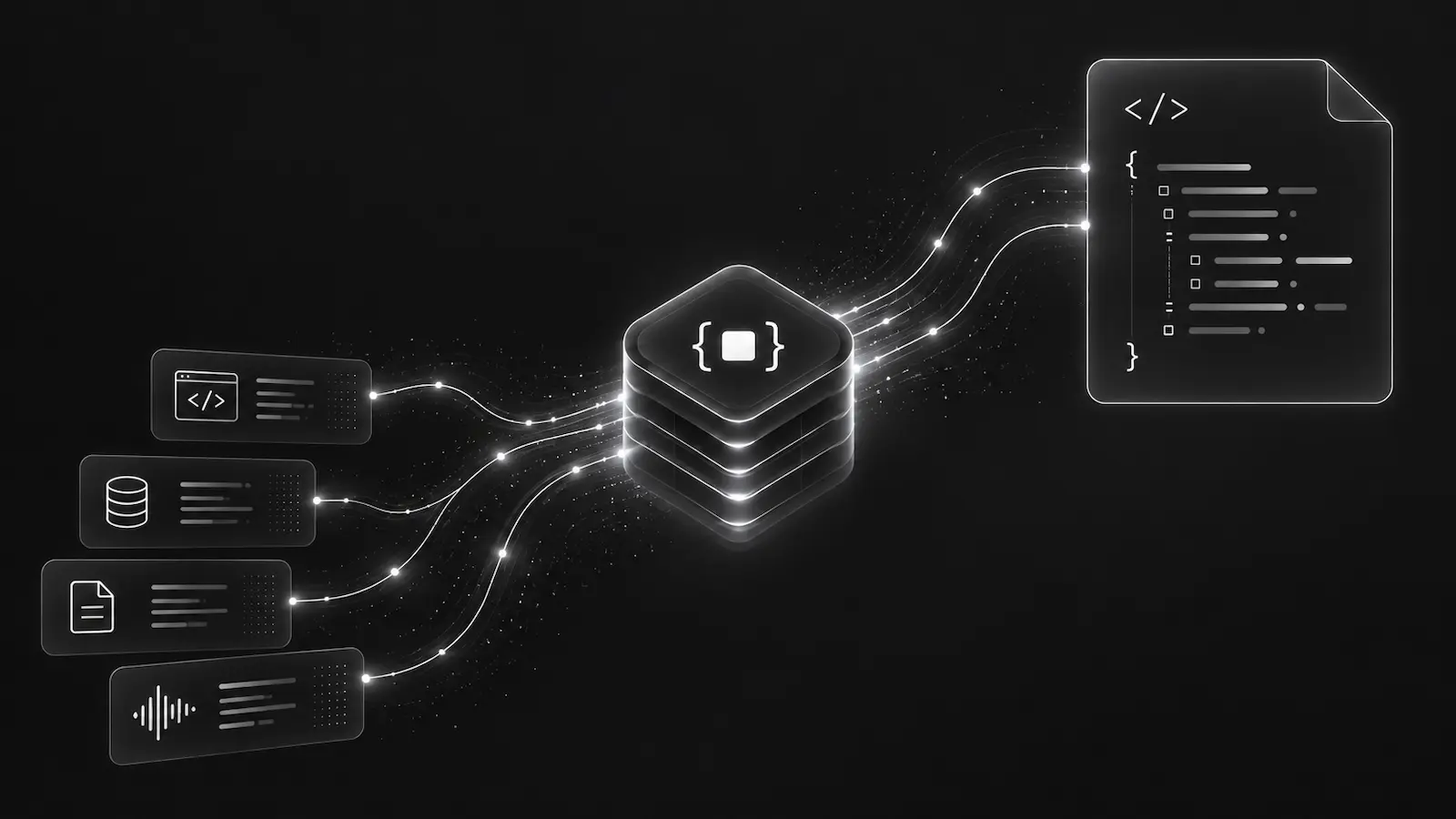
When a Node.js service fails in production, the hard part is rarely seeing that an error happened. The hard part is giving the next responder enough context to understand the failure without replaying the whole incident from logs.
That responder may be a developer, but increasingly it may be an AI coding agent working from an alert, an MCP tool call, or a bundle handed over by CI. For that workflow, a raw stack trace is not enough. The agent needs a compact, deterministic debugging artifact: request details, runtime context, correlated logs, recent probes, and reproduction hints that all point at the same failure.
The DebugBundle Node.js SDK is the primary capture path for Express, Fastify, and Next.js services that want to turn production errors into debug bundles.
What the Node.js SDK should capture
A useful Node.js production debugging bundle should answer a few questions without forcing the reader to grep through container logs:
- Which service and environment emitted the failure?
- Was this an unhandled exception, a handled exception, a critical log, or a 5xx request?
- Which route, request method, status code, and request ID were involved?
- Which runtime facts matter: Node version, platform, architecture, process uptime, and memory summary?
- Which logs or probes happened immediately before the error?
The Node SDK is built around that shape. After init(), it can hook unhandled exceptions and unhandled rejections, gracefully flush on process shutdown signals, attach logger integrations, and poll for capture policy and probes. Framework integrations add request context so a bundle is not just an isolated JavaScript stack.
import DebugBundle from '@debugbundle/sdk-node';

DebugBundle.init({
  projectToken: process.env.DEBUGBUNDLE_TOKEN ?? 'local',
  environment: process.env.NODE_ENV ?? 'development',
  service: 'checkout-api',
});
Express, Fastify, and Next.js are different failure surfaces
Express middleware is usually the simplest integration point. You want request context attached before handlers run and exception capture in the normal error path.
app.use(DebugBundle.express());

app.use((err, req, res, next) => {
  DebugBundle.captureException(err, { request: req, response: res });
  res.status(500).json({ error: 'Internal server error' });
});
Fastify has a different shape: lifecycle hooks, built-in pino logging, and async handlers. The SDK plugin can correlate request and response data without changing how Fastify reports failures.
Next.js adds another split. API routes and route handlers need backend capture, while client-side failures belong to the Browser SDK. In full-stack Next.js apps, the Node SDK also matters because it can host a same-origin browser relay at /debugbundle/browser, letting browser events reach DebugBundle without putting a server-side project token in client JavaScript.
Why this matters for agent-native debugging
An AI agent looking at a Node.js production incident should not have to infer application state from a thousand unrelated log lines. It should start from the incident, fetch the bundle, inspect the request path and stack, compare related logs, and then reproduce the failure locally or in a controlled test.
That is the difference between “error tracking” and agent-native debugging. The goal is not another dashboard page. The goal is a structured incident bundle that the CLI, API, MCP server, and dashboard all read in the same way.
A production-safe setup checklist
Use the smallest integration path that captures the failing surface. For a backend API, that is the Node SDK plus the framework adapter. For a full-stack app, add the Browser SDK and a relay. For high-volume routes, use capture policy and sampling instead of adding ad hoc conditionals around every capture call.
Also keep request bodies off unless you have a concrete reason to collect them. Debugging context is useful only if developers trust it. Redaction, allowlisted headers, service names, environment names, and stable request IDs do more for production debugging than dumping everything into a bundle.
Start with the Node.js SDK docs, then add the Browser SDK only when the frontend has its own failure surface.
Debug production errors with your AI agent
DebugBundle captures errors and their surrounding context in structured debug bundles, giving your coding agent the evidence to investigate.
Open source · Start free