MCP debugging tool for AI coding agents: what DebugBundle exposes
How DebugBundle MCP tools let AI agents list incidents, fetch bundles, retrieve reproductions, analyze context, manage probes, and resolve incidents.

By Owen Far
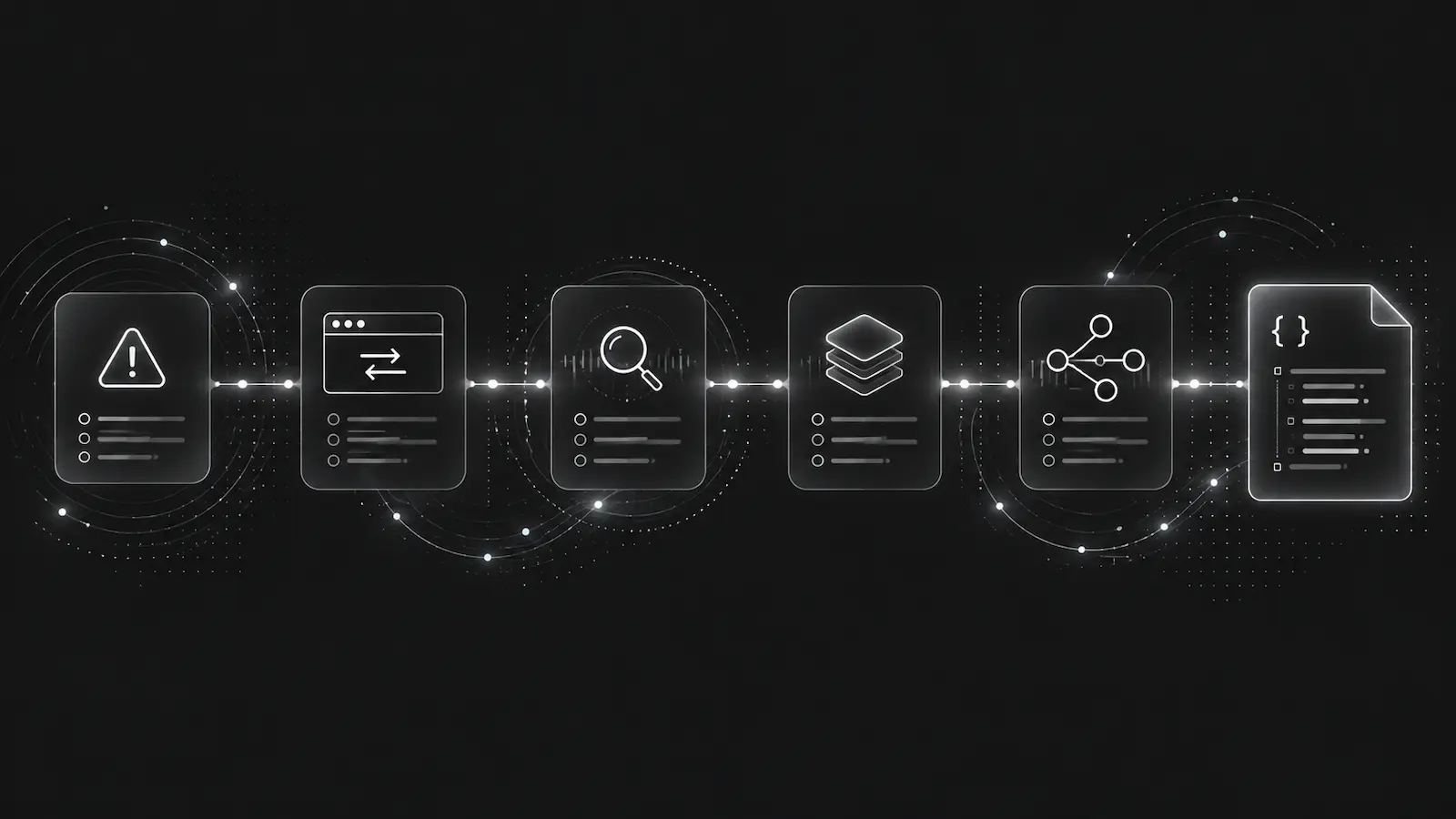
MCP is useful for debugging only when the tools expose real operational actions, not just documentation snippets. An AI coding agent needs to query incidents, fetch the bundle, inspect reproduction steps, run analysis, activate probes when more context is needed, and resolve the incident after the fix is verified.
The DebugBundle MCP server is designed around that loop. It gives MCP-compatible agents access to the same debugging workflow available through the CLI and API.
The basic triage loop
A practical MCP debugging workflow looks like this:
list_incidents
get_incident
get_bundle
get_reproduction
get_logs
analyze
That sequence gives an agent a structured path from “something is failing” to “here is the likely code path and reproduction.” It also prevents the agent from starting with broad source-code search when production evidence already exists.
A good agent instruction should say: check active incidents first, inspect the bundle, read reproduction artifacts, then edit code.
Setup and verification tools matter
Debugging tools fail in boring ways: missing tokens, stale generated files, local-only mode mismatch, no API reachability, unwritable local event directories, or a project that was never connected.
The MCP tools include setup checks such as doctor, validate, verify_local, verify_cloud, and smoke. That matters because an agent can verify the debugging surface before relying on it.
For example, verify_cloud can prove hosted incident creation by sending a synthetic 5xx request event. If a project promotes certain 4xx responses through capture policy, it can verify that path too.
Incidents and bundles are the core value
The most important MCP tools are not token management or webhook setup. They are incident retrieval and bundle access:
list_incidents
get_incident
get_bundle
get_reproduction
get_logs
resolve_incident
reopen_incident
These are the tools that make DebugBundle an agent-native debugging system rather than a dashboard with an API bolted on. The agent can fetch the same structured incident bundle a human would inspect, but without scraping UI pages or copying log output into chat.
Probes and capture policy make production debugging safer
Sometimes the first bundle does not have enough context. That is where remote probes and capture policy become useful.
An agent can inspect active probes, activate a probe with a scoped label pattern and TTL, or suggest capture rules from an incident bundle. The important constraint is scope. Remote probes should be time-limited, service-scoped, environment-aware, and redacted before data becomes persistent debugging context.
Capture policy tools let teams adjust what becomes an incident, what remains context, and what should be sampled or dropped. That is how a production debugging bundle stays useful without turning into unlimited telemetry.
Token separation is part of the design
MCP agents should use member tokens for reading and managing DebugBundle resources. SDKs use project tokens for ingestion. Those scopes should stay separate.
A project token can send events but cannot read incidents. A member token can read and manage resources but should not be embedded in application code. This separation is especially important when agents operate from local IDEs, CI, or remote development environments.
Where the agent skill file fits
The generated Agent Skill File tells coding agents how to use DebugBundle in a repository. It points agents to local setup files, incident commands, bundle paths, reproduction artifacts, and the MCP equivalents of common CLI commands.
That keeps the workflow discoverable. The agent does not need to invent a debugging strategy; it follows a project-owned skill that says when and how to use DebugBundle.
Read the MCP tools reference and MCP workflows guide for the current tool catalog.
Debug production errors with your AI agent
DebugBundle captures errors and their surrounding context in structured debug bundles, giving your coding agent the evidence to investigate.
Open source · Start free