Local-first development with DebugBundle
How DebugBundle's local-first architecture lets you capture, process, and inspect incidents without depending on DebugBundle Cloud.

By Owen Far
Why local-first?
Most debugging tools require you to sign up for a hosted service before you can do anything useful. DebugBundle takes a different approach: the entire capture-process-inspect loop works without DebugBundle Cloud anywhere you control the filesystem and can run the CLI.
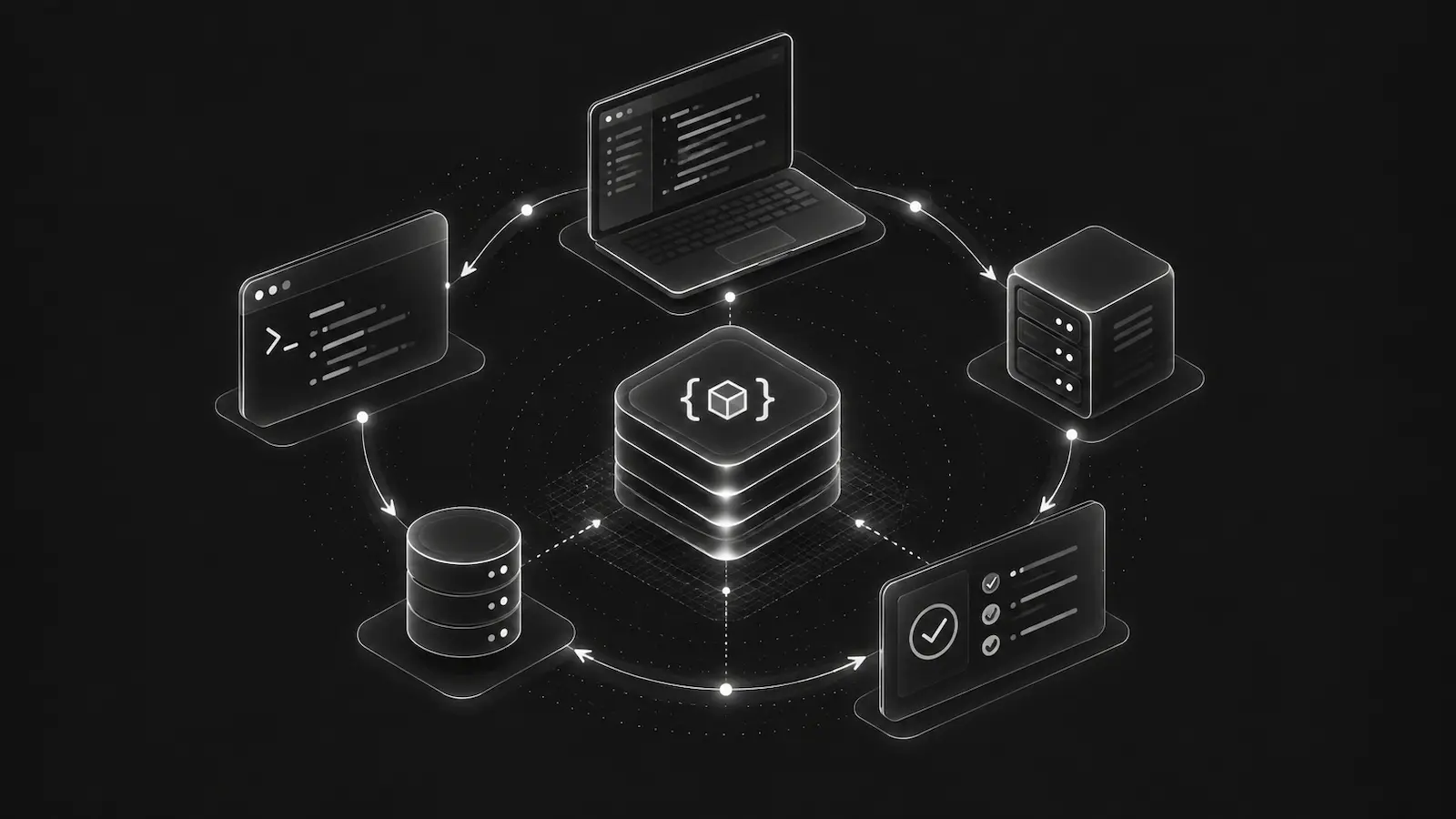
This is not a limited trial. It is the full debugging workflow:
- Capture — SDKs write events to
.debugbundle/local/events/ - Process —
debugbundle processgroups events into incidents and generates bundles - Inspect —
debugbundle incidentsanddebugbundle bundleread from local state
No API keys. No cloud account. No network requests to DebugBundle servers.
How it works
When you run debugbundle setup, the CLI creates a .debugbundle/ directory in your project root with a profile, connection config, and the local event/state directories that the SDK and CLI use.
The Node SDK detects the local project mode and writes event batches as atomic JSON files:
.debugbundle/
  profile.json
  local/
    connection.json
    events/
      1711234567890-001-my-service.events.json
    state.json
  bundles/
    local/
      incident-abc123.bundle.json
      reproductions/
        incident-abc123.reproduction.json
When you run debugbundle process, the CLI reads unprocessed event files, normalizes and fingerprints them, groups them into incidents, generates bundles and reproductions, and writes everything back to the local store.
Log-based capture
Not every project uses a supported SDK. DebugBundle also supports log-based capture for existing applications:
# One-shot ingestion from a log file
debugbundle ingest server.log --format apache-error

# Continuous tailing
debugbundle watch --log server.log --format php-error
The CLI parses supported log formats (debugbundle-ndjson, php-error, apache-error), converts them to DebugBundle event envelopes, and feeds them into the same local processing pipeline.
Local-only beyond development
Local-only is not limited to a laptop. If you run your own server, install the SDK and CLI there, keep .debugbundle/ on persistent storage, and run debugbundle process on that server, your agent can inspect the generated local bundles without using DebugBundle Cloud.
That workflow is deliberately self-managed: the files stay on that machine or storage volume, and DebugBundle does not later upload them for you. Hosted cloud is still the practical production path for ephemeral containers, team visibility, alerts, webhooks, remote probes, and centralized retention.
When to connect
The local workflow is complete on its own. But there are real reasons to connect to hosted DebugBundle:
- Production environments — You want incidents from live deployments to flow to a central system instead of staying on each server's disk
- Team collaboration — Multiple developers need visibility into the same incidents
- Remote probes — You want to activate diagnostic probes on running applications remotely
- Retention — You need longer bundle and event retention than local storage provides
Connecting is a single command:
debugbundle connectThis creates a cloud project, generates a project token, and configures your local setup to forward production events to hosted DebugBundle — while keeping development and staging local-only by default.
The best of both
Local-first is not anti-cloud. It is a design principle that says: the core debugging workflow should be available without hosted services when you can run capture and processing where the files live.
You own your data. You choose when to share it. The same bundle model works whether you are debugging on a laptop, processing incidents on a controlled server, or investigating a production incident on the hosted platform.
Read the local workflow guide for step-by-step instructions.