Local-first debugging bundles for private and air-gapped incident work
How local-first debugging bundles let teams capture, process, inspect, and hand incidents to agents without depending on DebugBundle Cloud.

By Owen Far
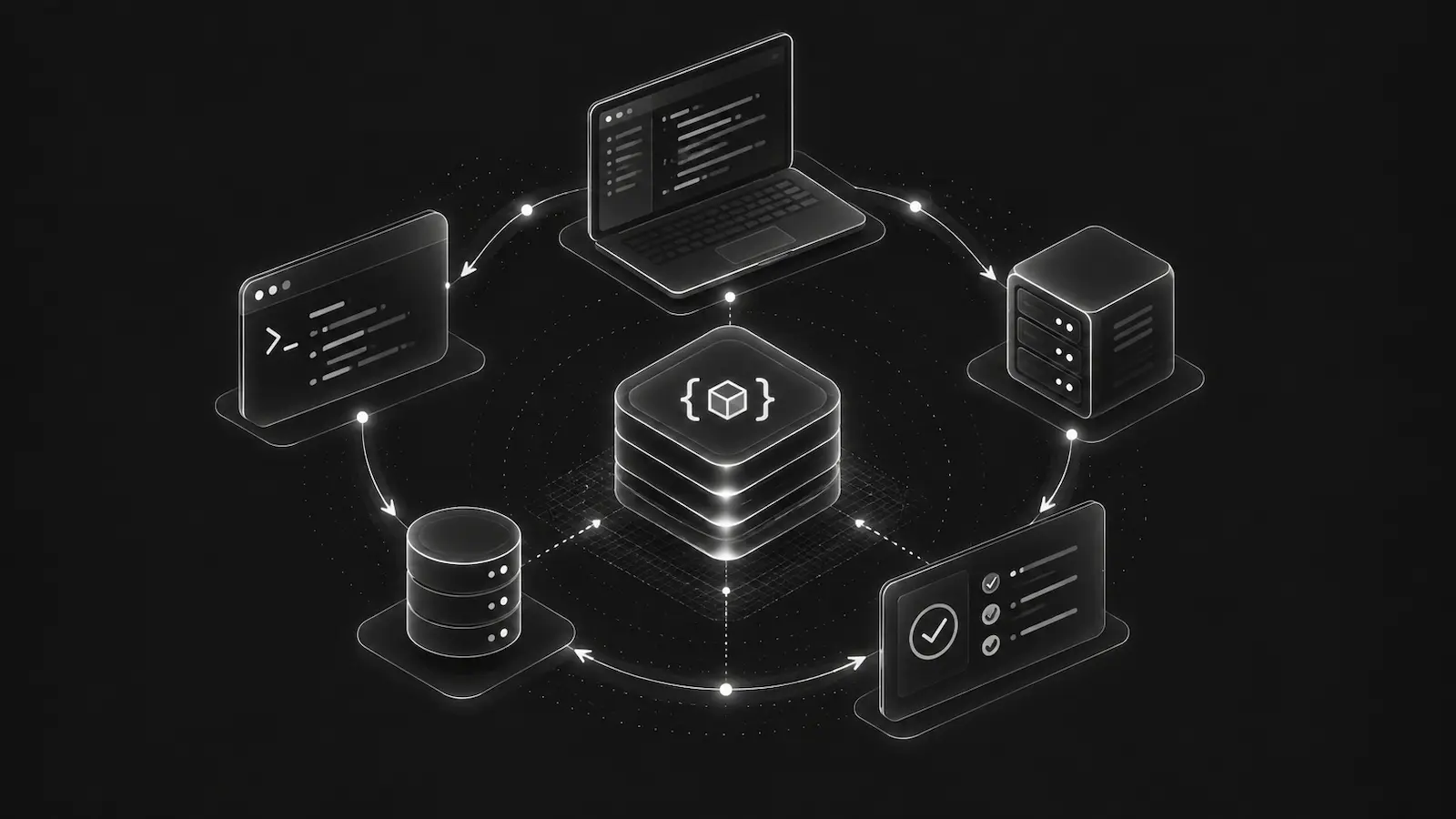
Not every debugging workflow should start in a hosted service. Some projects are private by policy. Some systems run in restricted networks. Some developers want to evaluate tooling before creating an account. Some production environments are self-managed servers where the operator can run local processing directly next to the captured files.
That is the reason for local-first debugging bundles. The DebugBundle local-only mode lets SDKs write event files locally, the CLI process those files into incidents and bundles, and humans or agents inspect the resulting artifacts without sending data to DebugBundle Cloud.
The local-only loop
The core loop is intentionally simple:
capture -> process -> inspectSDKs or log ingestion write events to .debugbundle/local/events/. The CLI reads those files, normalizes events, fingerprints failures, groups incidents, and generates local bundles and reproduction artifacts. Then developers or agents inspect them through the CLI, MCP local tools, or generated files.
debugbundle setup
debugbundle process
debugbundle incidents --source local
debugbundle inspect inc_local_...
No hosted account is required for that loop. No data is sent to DebugBundle Cloud. Connecting the project later does not backfill existing local-only artifacts.
When local-first is the right default
Local-only mode is useful for more than solo development. It is a good fit when:
- evaluating DebugBundle before cloud setup,
- debugging on a laptop or controlled workstation,
- working in an air-gapped or restricted network,
- handling privacy-sensitive incidents that must not leave the machine,
- running a self-managed server where
.debugbundle/can live on persistent storage, - giving an AI agent local incident context without exposing hosted production data.
This is not the same as pretending local-only is a replacement for every production workflow. It is a private, filesystem-owned capture and processing path.
The self-managed server pattern
Local-only can run on a staging or production server you control. Install the SDK in file-transport mode, keep .debugbundle/local/events/, .debugbundle/local/state.json, and .debugbundle/bundles/local/ on persistent storage, and run debugbundle process where those files are available.
That gives you structured incident bundles without DebugBundle Cloud. It also means you own the operational details: disk retention, filesystem permissions, process scheduling, bundle cleanup, and agent access.
Where connected mode is better
Hosted cloud is the practical path when you need centralized production visibility, team access, alerts, webhooks, remote probes, retention across ephemeral containers, and dashboard collaboration.
Local-first should not be read as anti-cloud. It is a design principle: the core debugging workflow should work without a hosted dependency when you can run capture and processing where the files live.
Why agents benefit from local bundles
AI coding agents work well when the repository contains the evidence they need. Local DebugBundle state gives an agent concrete files and commands:
.debugbundle/profile.json
.debugbundle/local/connection.json
.debugbundle/local/events/
.debugbundle/local/state.json
.debugbundle/bundles/local/
.debugbundle/bundles/local/reproductions/
The generated agent skill can tell the agent to run debugbundle doctor, list local incidents, inspect bundles, and read reproduction artifacts before editing code.
That is much better than giving the agent a vague bug report and asking it to search the codebase blindly.
Keep local data protected
Local-only data is still operational debugging data. Treat .debugbundle/local/ and .debugbundle/bundles/local/ like logs, crash dumps, and reproduction files. Restrict filesystem access, avoid committing generated incident files, and clean old artifacts according to your retention needs.
Read the local-only mode docs and Agent Skill File guide for the local agent workflow.
Debug production errors with your AI agent
DebugBundle captures errors and their surrounding context in structured debug bundles, giving your coding agent the evidence to investigate.
Open source · Start free