iOS SDK debug bundles for SwiftUI, UIKit, URLSession, and SwiftLog
Capture iOS and iPadOS incidents with SwiftUI and UIKit breadcrumbs, URLSession and Alamofire traces, SwiftLog, offline queues, and crash replay.

By Owen Far
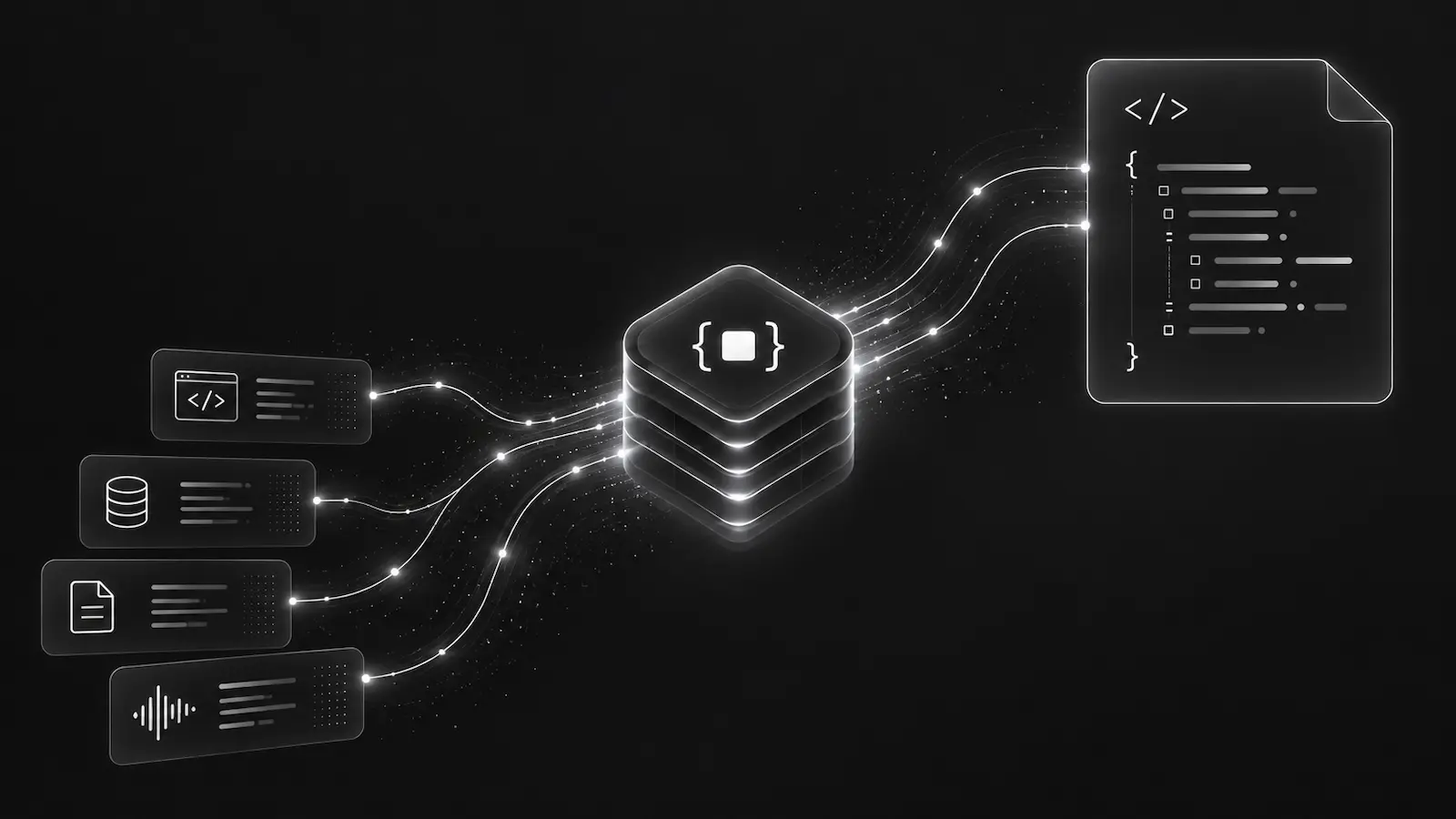
An iOS production incident is rarely just one stack trace. The useful context may include the app version, release channel, screen path, URLSession request, lifecycle state, a SwiftLog warning, and bounded crash evidence replayed after the next launch.
The DebugBundle iOS SDK captures that context for native iOS and iPadOS apps. It supports SwiftUI, UIKit, URLSession, Alamofire, SwiftLog, offline queueing, crash replay, and remote probes while keeping capture calls no-throw by default.
Initialize early and fail open
SwiftUI apps can initialize in the App initializer. UIKit apps can initialize from UIApplicationDelegate.
import DebugBundle
import DebugBundleSwiftUI

@main
struct CheckoutApp: App {
    init() {
        DebugBundle.initialize(
            DebugBundleConfig(
                projectToken: Bundle.main.debugBundleProjectToken,
                service: "checkout-ios",
                environment: "production",
                releaseChannel: "app-store"
            )
        )
    }

    var body: some Scene {
        WindowGroup {
            CheckoutRootView()
                .debugBundleScreen("CheckoutRoot")
        }
    }
}
A production-safe SDK should fail open. If the token or endpoint is missing, it should degrade to a no-op or disconnected state and report that status instead of crashing the app or pretending capture is healthy.
Network instrumentation should be explicit
URLSession and Alamofire support should target first-party APIs only. That prevents trace headers from leaking to third-party services and keeps debug bundles focused on failures the application team can actually investigate.
let configuration = URLSessionConfiguration.default
configuration.debugBundleInstrumented(
    tracePropagationTargets: ["https://api.example.com"]
)

let session = URLSession(configuration: configuration)
Matching requests can receive X-DebugBundle-Trace-Id, network breadcrumbs, and request-event promotion for failed responses. Request and response bodies should remain disabled by default.
SwiftUI and UIKit breadcrumbs should avoid view state capture
Screen breadcrumbs are useful. Capturing view text, text fields, screenshots, clipboard contents, contacts, keychain values, photos, precise location, IDFV, or advertising IDs by default is not.
A good mobile debugging bundle tells the agent what screen and action path led to the incident without collecting private user data. Explicit low-cardinality context such as account tier, region, release channel, and feature flag branch is usually more useful than raw user data anyway.
Offline queues and crash replay define the mobile path
The iOS SDK uses bounded app-private storage for offline queues and crash evidence. Foreground, interval, batch-size, and lifecycle triggers can schedule flushes, while reachability changes defer delivery until the device can send again.
That does not mean every crash arrives instantly. iOS lifecycle rules are real. The practical goal is to persist enough bounded evidence to make the next launch useful, then attach that evidence to a structured bundle.
Why this matters for AI agents
An agent debugging an iOS incident needs a compact timeline: release, device/runtime context, screen breadcrumb, network failure, log, exception, and probe data. It should not need to reverse-engineer a bug from a crash-only report.
That is why mobile debug bundles should be structured and privacy-aware. They make the incident useful without making capture reckless.
Read the iOS SDK docs for Swift Package Manager, CocoaPods, SwiftUI, UIKit, URLSession, Alamofire, SwiftLog, crash replay, and probe details.
Debug production errors with your AI agent
DebugBundle captures errors and their surrounding context in structured debug bundles, giving your coding agent the evidence to investigate.
Open source · Start free