Health check endpoints and availability checks for uptime monitoring
How to design health check endpoints, readiness checks, and hosted availability checks that catch downtime without creating noisy incidents.

By Owen Far
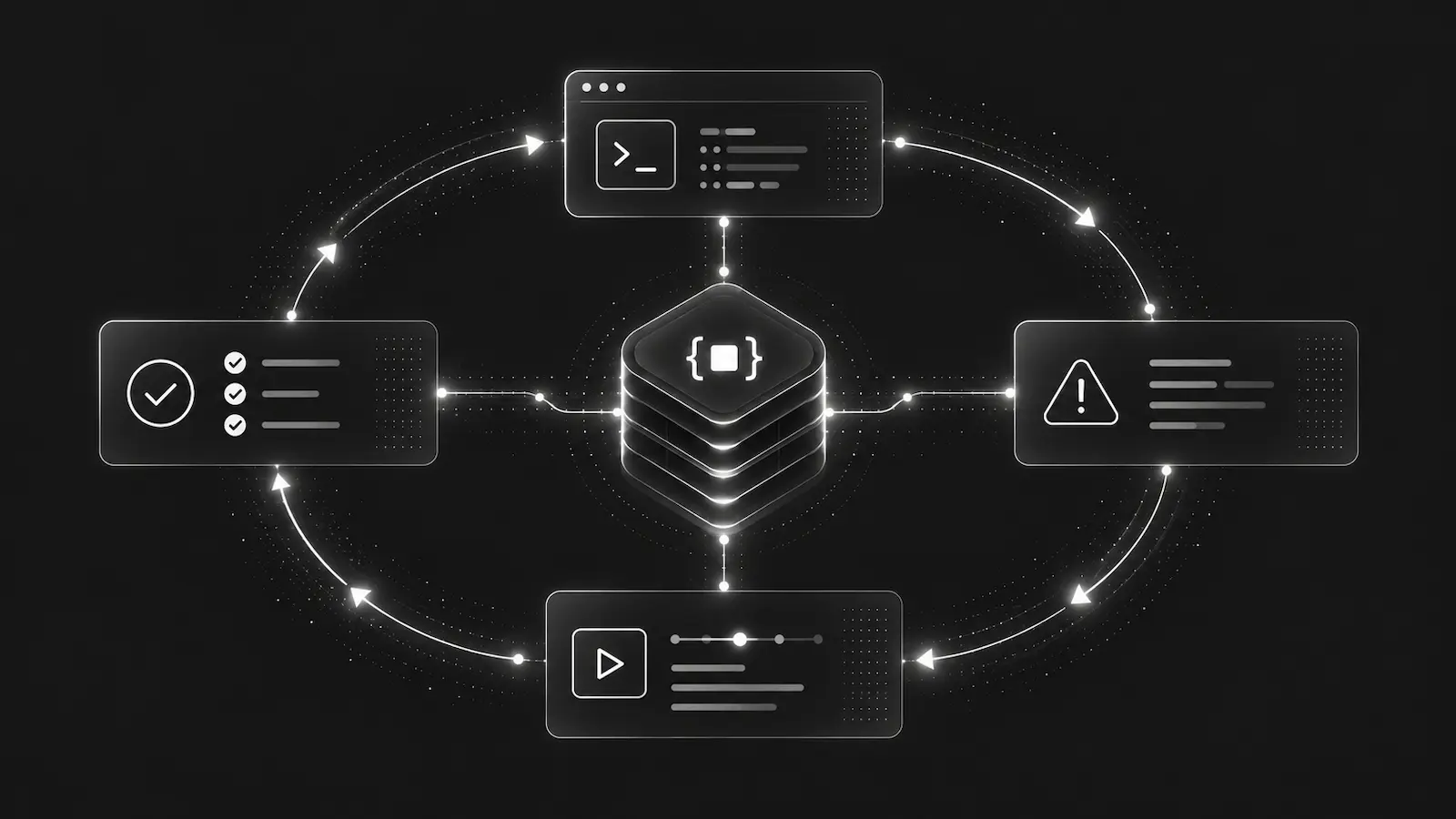
Health checks are one of the simplest parts of production operations to add and one of the easiest to make misleading.
A 200 OK from /health does not always mean users can use the app. A failed readiness probe does not always mean the public site is down. An uptime monitor that pages on the first timeout can create noise without giving the next responder enough context to fix anything.
The useful pattern is to separate the jobs:
- health check endpoints explain what the service knows about itself,
- liveness and readiness checks help the runtime decide whether to restart or route traffic,
- availability checks verify whether a public endpoint is reachable from outside the service,
- incidents and bundles preserve enough context for a person or agent to debug the failure.
Those are related systems, but they should not collapse into one vague "is it healthy?" signal.
Start with the endpoint contract
A health check endpoint should have a narrow contract. It should answer one operational question clearly, with predictable status codes and low overhead.
For many apps, that means at least two internal endpoints:
/liveor/livezfor process liveness,/readyor/readyzfor readiness to serve traffic.
The liveness endpoint should usually be shallow. If it fails, an orchestrator may restart the process, so it should avoid expensive dependency checks that can turn a transient database or network issue into a restart loop.
The readiness endpoint can be stricter. If it fails, the instance can be removed from traffic while the process stays alive. That makes it a better place to check whether required dependencies, migrations, queues, caches, or startup work are ready enough for this instance to accept requests.
Public availability checks are different. They should test the user-facing path from outside the service boundary. A good target might be:
https://app.example.com/health
https://api.example.com/ready
https://www.example.com/
The target should be safe to call repeatedly, fast to answer, and representative enough to catch real reachability failures.
Availability is not the same as internal health
Internal probes are local control-plane signals. They help Kubernetes, a load balancer, or a process supervisor decide what to do with one instance.
External availability checks are user-path signals. They answer whether DebugBundle infrastructure can reach the configured public endpoint and receive an expected HTTP response within the configured timeout.
Both matter. They catch different classes of failure:
- a pod can be live but not reachable through DNS,
- an API can be ready internally but blocked by a bad edge config,
- a landing page can return
200while the API behind checkout is failing, - a dependency outage can make readiness fail before users see a full outage,
- a public route can fail from outside while the service looks fine from inside the cluster.
This is why a production monitoring setup should avoid treating one green check as universal proof that the system is healthy.
Thresholds prevent noisy downtime alerts
The first timeout is evidence. It is not always an incident.
Networks fail briefly. Deploys rotate instances. TLS handshakes can time out. A monitor can be delayed. If every single failed check opens an incident, the incident list becomes noisy and responders stop trusting it.
Use thresholds deliberately:
- require consecutive failures before opening or regressing an incident,
- require consecutive recoveries before resolving it,
- set timeouts low enough to catch user pain but high enough to avoid measuring only jitter,
- use
HEADwhen the body does not matter, - use
GETwhen the route needs normal application handling to prove reachability.
DebugBundle availability checks follow this model. A saved check runs hosted GET or HEAD requests against an external http or https target. When failures reach failure_threshold, DebugBundle opens or regresses one linked availability incident. When successes reach recovery_threshold, it auto-resolves that incident.
That keeps the signal stable without hiding the raw evidence.
Keep availability incidents in the normal incident workflow
Uptime tools often create a separate operational silo: one dashboard for checks, another for application errors, another for logs, another for agent workflows.
That makes downtime harder to debug. The responder sees that the endpoint is down, but still has to ask:
Did this start after a deploy?
Is there a related backend exception?
Are alerts and webhooks firing?
Can an agent inspect the incident evidence?
Was the endpoint actually failing or just slow?
DebugBundle treats repeated availability-check failure as a normal incident source. The incident can flow through the same alerting, webhook, bundle, dashboard, CLI, and MCP surfaces as application errors.
That matters for AI agent debugging. An agent should not need a special uptime-monitoring workflow that cannot fetch incident context. It should be able to inspect hosted health checks, read recent results and daily rollups, fetch the linked incident bundle when one exists, and resolve the incident after the endpoint has recovered.
Test before saving the monitor
A health check target should be tested before it becomes production monitoring. Otherwise, the first signal might be a false incident caused by a bad URL, unexpected status code, redirect behavior, timeout, or blocked target.
DebugBundle has a side-effect-free test path for this reason:
debugbundle health checks test \
  --project-id proj_01HXYZ... \
  --url https://app.example.com/health \
  --method GET \
  --json
The test uses the same target validation and request guardrails as saved checks, but it does not create incidents, write retained history rows, or advance counters.
After the target behaves correctly, save the check:
debugbundle health checks create \
  --project-id proj_01HXYZ... \
  --name "Primary app" \
  --url https://app.example.com/health \
  --interval-seconds 60 \
  --failure-threshold 3 \
  --recovery-threshold 2 \
  --environment production \
  --service web \
  --json
Safety matters for hosted checks
Hosted health checks are outbound HTTP requests, so they need guardrails. A monitoring product should not become a way to request private infrastructure, metadata services, localhost, embedded credentials, or unsafe redirects.
DebugBundle availability checks allow external http and https targets only, limit methods to GET and HEAD, and block local, private, reserved, and credential-bearing targets. Retained evidence also avoids storing raw query values or URL fragments from checked targets.
That keeps the feature focused on public endpoint availability rather than arbitrary network probing.
What a good setup looks like
A practical production setup usually has a few layers:
- internal
/livefor process liveness, - internal
/readyfor instance readiness, - one public availability check for the primary user-facing entry point,
- optional public checks for critical APIs such as login, checkout, or ingestion,
- thresholds that match the expected impact of each route,
- alerts and webhooks that route availability incidents to the same response path as other production failures.
The point is not to monitor every URL. The point is to catch the small set of endpoint failures that should trigger investigation, then preserve enough evidence for the responder to act.
Read the Availability Checks docs, CLI cloud workflow, and MCP availability workflow to configure hosted checks in DebugBundle.