.NET SDK debug bundles for ASP.NET Core, workers, gRPC, and Hangfire
Use the DebugBundle .NET SDK to capture ASP.NET Core requests, worker operations, logs, gRPC, Hangfire, and Azure Functions incidents.

By Owen Far
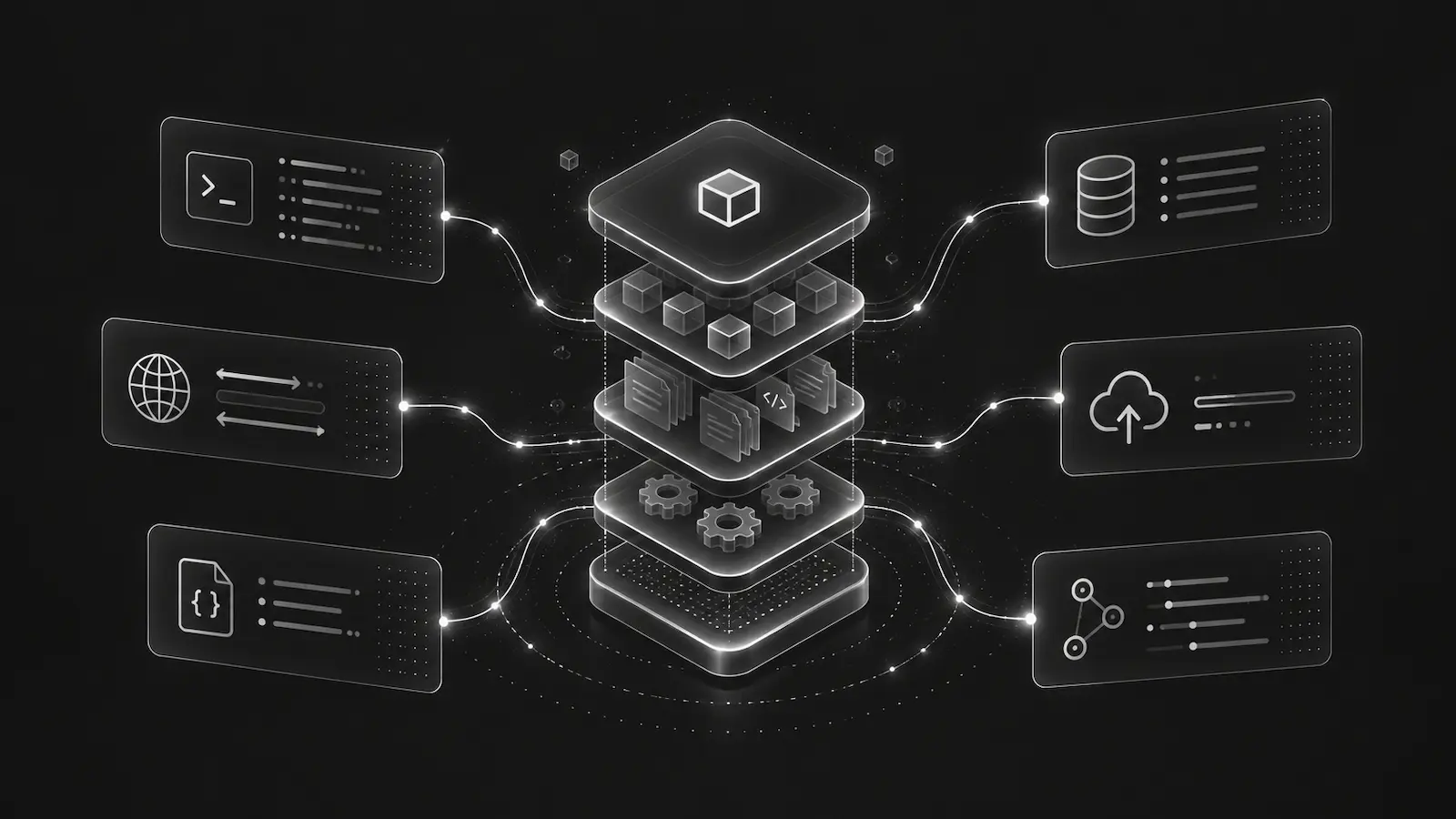
.NET production systems have a wide range of failure surfaces: ASP.NET Core requests, background worker operations, gRPC calls, Hangfire jobs, Azure Functions invocations, logging providers, and unhandled exceptions in long-running services.
A useful debugging bundle needs to preserve those framework-specific details without changing how the host application behaves. The DebugBundle .NET SDK is split into focused NuGet packages so each application can add only the integrations it actually uses.
ASP.NET Core request capture
For APIs, MVC, Razor Pages, Minimal APIs, Blazor Server, and backend browser relay support, the usual path starts with DebugBundle.AspNetCore and DebugBundle.Extensions.Logging.
dotnet add package DebugBundle.AspNetCore
dotnet add package DebugBundle.Extensions.Loggingbuilder.Services.AddDebugBundle(options =>
{
options.ProjectToken = builder.Configuration["DEBUGBUNDLE_PROJECT_TOKEN"];
options.Service = "checkout-api";
options.Environment = builder.Environment.EnvironmentName;
});
builder.Logging.AddDebugBundle();
var app = builder.Build();
app.UseDebugBundle();
app.MapDebugBundleBrowserRelay("/debugbundle/browser");The request middleware should capture method, path, route template, endpoint display name, status, duration, request ID, Activity context, and X-DebugBundle-Trace-Id when present. Exceptions are captured and rethrown, which is important: debugging capture should observe the failure, not take over ASP.NET Core hosting behavior.
Logging should preserve existing providers
Most .NET services already have logging infrastructure. DebugBundle should capture structured log_event records without replacing the existing logger pipeline.
The Microsoft.Extensions.Logging provider preserves logger category, level, event ID, rendered message, message template, structured state, scopes, Activity IDs, and exception summary. Optional adapters exist for Serilog, NLog, and log4net so teams can add capture without flattening all logs into plain strings.
That structure matters when an AI agent reads the incident. A warning log with an event ID and scope is much more useful than the same message copied into an unstructured text blob.
Workers, gRPC, Hangfire, and Azure Functions
Production .NET bugs often happen outside the web request path. Worker services need operation wrappers that capture job context and exceptions while preserving cancellation semantics. gRPC interceptors should capture framework metadata and status without dumping protobuf bodies by default. Hangfire and Azure Functions integrations should include job or invocation identifiers while avoiding argument and binding payload capture unless explicitly configured.
Those defaults keep the bundle useful and safe. A worker incident should tell the agent which operation failed and what context was attached, but it should not casually collect every job argument.
Browser relay for full-stack .NET apps
ASP.NET Core can host the same-origin browser relay route. This lets the Browser SDK send frontend exceptions and breadcrumbs to /debugbundle/browser, while the server forwards events using the project token. The browser does not need a member token or server-side ingestion token.
If authentication protects all app routes, leave the relay route unauthenticated and rely on relay-specific controls: origin validation, JSON and body-size enforcement, credential stripping, rate limiting, local-only file writing, durable spool files, and server-side forwarding.
What makes this agent-ready
The value is not only capture. It is consistent shape. The same incident can be inspected through CLI, API, MCP, or dashboard. An agent can list incidents, fetch a bundle, read the request or operation context, inspect structured logs, and propose a fix without scraping a human UI.
That is the practical path from .NET error monitoring to AI agent debugging context.
Read the .NET SDK docs for package-specific examples.
Debug production errors with your AI agent
DebugBundle captures errors and their surrounding context in structured debug bundles, giving your coding agent the evidence to investigate.
Open source · Start free