Browser SDK debug bundles for frontend exceptions and 5xx requests
Capture frontend exceptions, breadcrumbs, network failures, and first-party 5xx responses as structured browser debug bundles.

By Owen Far
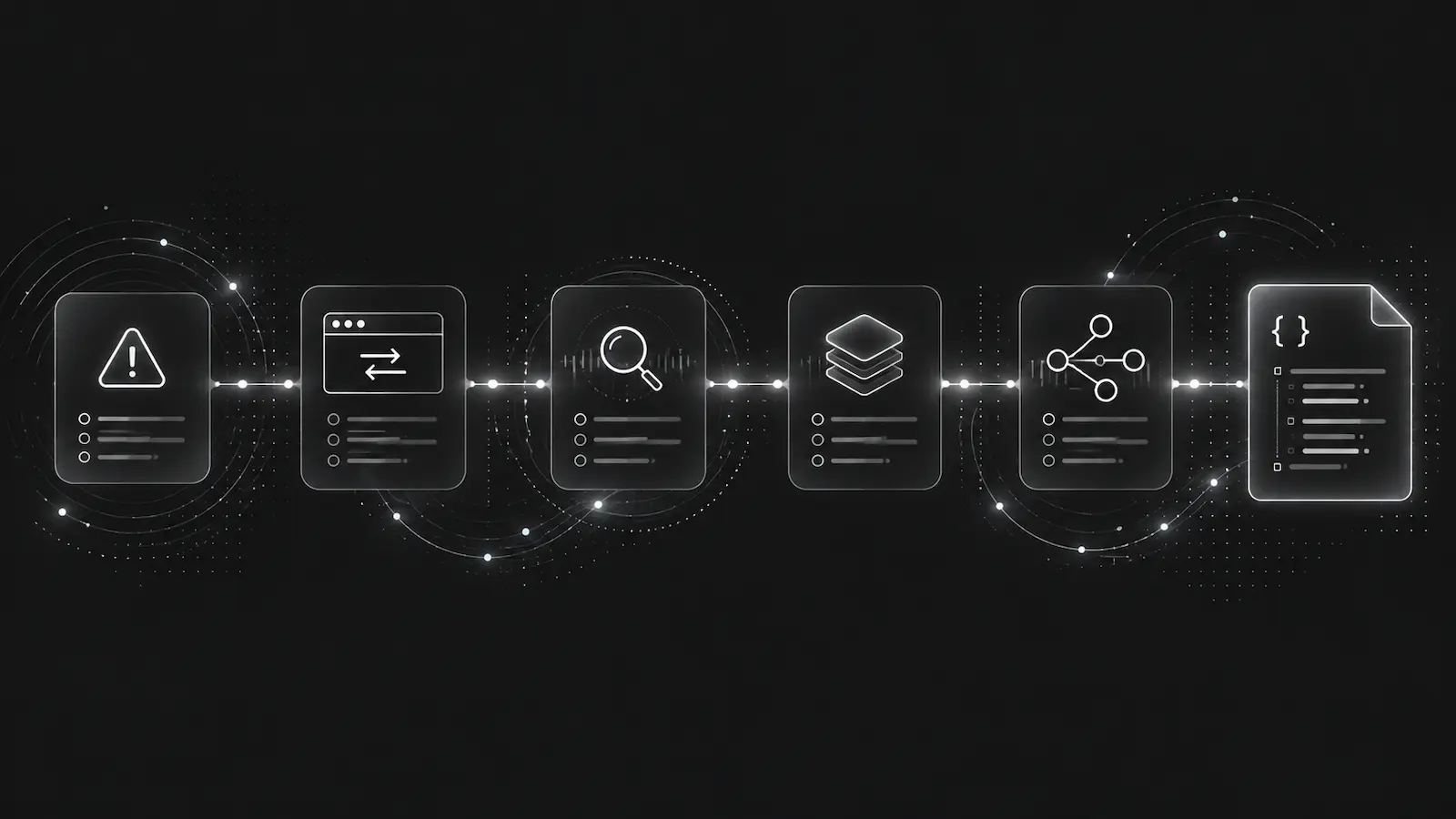
Frontend production debugging is easy to underestimate because the first error often looks small: an opaque window.onerror, a failed fetch, a route transition that lost state, or a user action that happened a few clicks before the exception.
For a human, that usually means opening a browser session replay tool, scanning console output, and trying to reconstruct what the user did. For an AI agent, that is a poor input. Agents need structured event context: the exception, the browser event details, bounded breadcrumbs, network failures, and correlation IDs that link frontend symptoms to backend incidents.
The DebugBundle Browser SDK exists for that exact surface.
The browser event is rarely the whole bug
A useful browser debug bundle should not stop at “JavaScript exception on checkout page.” It should preserve the path into the failure:
- recent clicks, route changes, and custom breadcrumbs,
- failed
fetchandXMLHttpRequestcalls, - first-party 5xx responses promoted into request events,
- session and request correlation fields,
- the browser's best available file, line, column, and resource metadata,
- redacted context that avoids leaking tokens or user input.
The Browser SDK keeps those signals bounded. Breadcrumbs live in a ring buffer. Session limits prevent runaway tabs from filling the project with duplicate noise. Network capture can be filtered so first-party failures stay useful without turning every asset load into an incident.
import DebugBundle from '@debugbundle/sdk-browser';

DebugBundle.init({
  transportMode: 'relay',
  endpoint: '/debugbundle/browser',
  environment: 'production',
  service: 'checkout-web',
});
Prefer same-origin relay when you have a backend
Direct browser ingestion is useful for static-only applications, but a same-origin relay is the safer default for most production apps. With a relay, the browser posts to your own backend, and the backend forwards with the server-side project token. Client JavaScript does not need to contain the token.
That also reduces CORS and content security policy friction. A same-origin endpoint such as /debugbundle/browser usually fits existing connect-src rules, avoids cross-origin preflight surprises, and gives your backend a place to enforce origin validation, body-size limits, credential stripping, and rate limiting.
If the frontend and backend are split across domains, use explicit relay mode and point the Browser SDK at the backend relay URL. In that case, configure allowed origins deliberately and test the preflight path before relying on it in production.
Opaque browser errors need careful interpretation
Not every browser error includes a clean application stack. Resource load failures, cross-origin scripts without CORS, bare error events, and non-Error throws can all produce degraded browser-level signals.
A good debugging workflow treats those as clues, not final answers. Initialize the Browser SDK early, capture framework-native errors from error boundaries, publish source maps, and use breadcrumbs to see what happened before the browser exposed only a partial signal.
How this helps AI agents
A frontend incident bundle gives an agent more than a stack. It gives the agent a timeline: route, click, request, status, exception. If a browser 500 maps to a backend request that also has X-DebugBundle-Trace-Id, the agent can inspect both sides of the same failure instead of guessing whether the issue is client-side or server-side.
That is the practical value of AI agent debugging context. It is not about collecting more data. It is about collecting the smallest bounded set of data that makes the next debugging step obvious.
Read the Browser SDK docs and browser relay setup guide when adding frontend capture to a production app.
Debug production errors with your AI agent
DebugBundle captures errors and their surrounding context in structured debug bundles, giving your coding agent the evidence to investigate.
Open source · Start free