Android SDK debug bundles for crash replay, ANRs, and offline queues
Use the DebugBundle Android SDK for Kotlin crash replay, ANR and process-exit signals, OkHttp, Ktor, Navigation, Compose, Timber, and probes.

By Owen Far
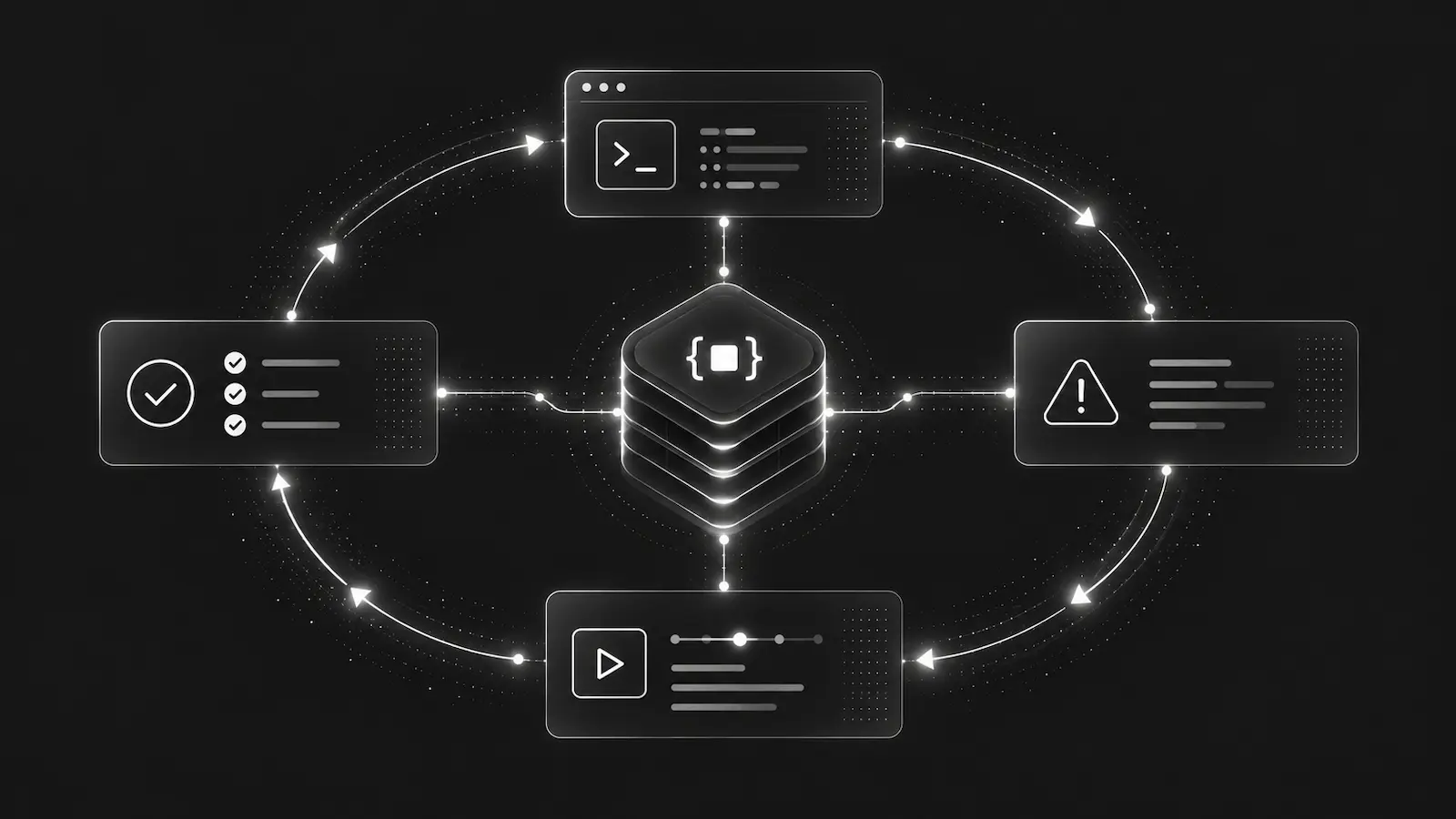
Mobile debugging has a different failure shape from server debugging. The app may be offline, killed by the OS, backgrounded before flushing, or restarted after a crash. A useful Android incident bundle needs to respect that reality.
The DebugBundle Android SDK is the Kotlin SDK for native Android apps. It captures handled exceptions, fatal crash evidence on next launch, ANR and process-exit signals, lifecycle breadcrumbs, first-party network failures, logs, diagnostic probes, and offline queueing without throwing back into app code.
Initialize once from the Application
Android capture should start early and exactly once.
class CheckoutApplication : Application() {
    override fun onCreate() {
        super.onCreate()
        DebugBundle.init(
            application = this,
            config = DebugBundleConfig(
                projectToken = BuildConfig.DEBUGBUNDLE_TOKEN,
                service = "checkout-android",
                environment = "production",
                appVersion = BuildConfig.VERSION_NAME,
                buildNumber = BuildConfig.VERSION_CODE.toString(),
            ),
        )
    }
}
Initialization installs runtime defaults, device context, fatal-crash replay, process-exit capture where the OS exposes it, activity screen breadcrumbs, foreground/background breadcrumbs, and deferred flushing.
The important production behavior is isolation: SDK capture calls should not crash the app, block the foreground path, or throw exceptions into application code if transport or queueing fails.
Network capture should be scoped to first-party APIs
Mobile apps talk to many endpoints: your API, CDNs, payment providers, analytics systems, maps, and push services. Trace propagation should be explicit.
val httpClient = OkHttpClient.Builder()
    .addInterceptor(
        DebugBundleOkHttpInterceptor(
            tracePropagationTargets = listOf(
                DebugBundleTracePropagationTarget.host("api.example.com"),
            ),
        ),
    )
    .build()
OkHttp and Ktor instrumentation should add X-DebugBundle-Trace-Id only to configured first-party targets. Matching requests can create network breadcrumbs and request events for failed responses, while request and response bodies stay disabled by default.
That gives an AI agent correlation across mobile and backend incidents without leaking mobile data into third-party requests.
Screens, logs, and probes create the mobile timeline
Navigation and Compose helpers record screen breadcrumbs. Timber support captures structured logs at the configured threshold. Probes preserve redacted diagnostic state that may be gone by the time a crash is replayed.
For example, a checkout failure bundle might show: app version, Android version, device category, screen path, network request failure, retry log, and a probe with safe cart metadata. That is far more useful than a crash stack by itself.
Offline queues are not an implementation detail
Mobile delivery is unreliable by design. A bounded app-private offline queue lets the SDK keep accepted events until a later flush path can send them. Queue limits and TTLs matter because they prevent old or excessive events from turning into stale noise.
Fatal crash replay also depends on the next launch. A production debugging bundle should be honest about that: mobile crash evidence is often delayed, and OS lifecycle rules constrain what can be guaranteed.
Android is not a browser relay host
The Android SDK sends mobile events directly to the configured ingestion endpoint. Browser relay concepts such as CORS, allowed origins, and /debugbundle/browser routes belong to browser plus backend/server SDKs. Treat Android as a mobile client with extractable write-only tokens, scoped network instrumentation, and native offline queues.
Read the Android SDK docs for the current module list and integration examples.
Debug production errors with your AI agent
DebugBundle captures errors and their surrounding context in structured debug bundles, giving your coding agent the evidence to investigate.
Open source · Start free