Agent-first debugging: what it means in practice
Designing a debugging tool where AI agents are first-class consumers, not an afterthought bolted onto a human dashboard.

By Owen Far
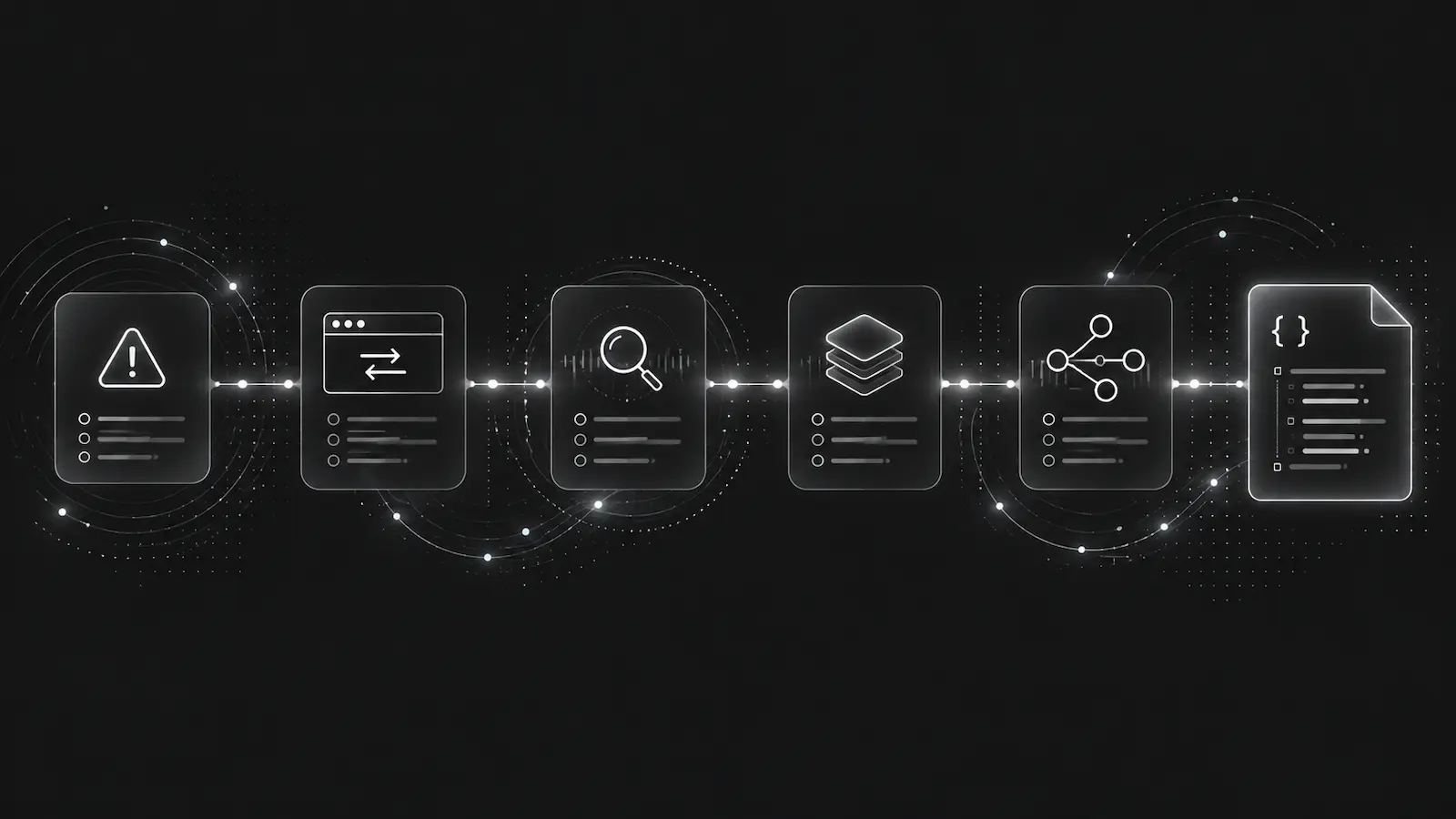
Agents as first responders
In a growing number of production setups, the first entity to respond to an incident is not a human — it is an AI agent.
The agent might be triggered by a webhook, invoked through MCP, or running as a scheduled monitor. Either way, it needs to:
- Understand what failed
- Gather the relevant context
- Propose a fix or escalate
This is a fundamentally different workflow than a human opening a dashboard, clicking through tabs, and reading charts. Agents need structured data, not visual interfaces.
What agent-first means for DebugBundle
Agent-first is not a marketing label. It is an architectural constraint that shapes every decision:
Interface parity
Every capability available in the web dashboard must also be available through the REST API, CLI, and MCP. No capability is dashboard-only.
This means agents can:
- List incidents (
GET /v1/incidents) - Fetch bundles (
GET /v1/incidents/{id}/bundle) - Retrieve reproductions (
GET /v1/incidents/{id}/reproduction) - Resolve incidents (
POST /v1/incidents/{id}/resolve) - Manage webhooks, alerts, and project settings
All through the same authenticated API that powers the dashboard.
Machine-readable artifacts
The public site publishes structured documentation artifacts that agents can consume directly:
llms.txt— agent discovery and contextopenapi.json— full API specificationschemas/bundle.json— bundle JSON Schemaschemas/mcp-tools.json— MCP tool invocation schemasexamples/*.json— validated example bundles
Deterministic bundles
Given the same normalized events, DebugBundle produces byte-identical bundle output. No random IDs, no wall-clock timestamps in generation. This means agent analysis is reproducible — the same bundle always yields the same diagnosis.
Reproduction artifacts
Every bundle includes a reproduction artifact with executable steps: cURL commands, HTTPie commands, or JSON specifications that let an agent (or human) replay the failure conditions.
The agent workflow loop
A typical agent-driven debugging workflow with DebugBundle:
1. Webhook fires: bundle.created
2. Agent fetches bundle via API
3. Agent analyzes root cause from structured context
4. Agent generates a fix (code change, config update)
5. Agent creates a PR or escalates to human
6. Agent resolves the incident via API
Each step uses a documented, authenticated API or MCP tool. No scraping, no screenshot parsing, no dashboard automation.
What this is not
Agent-first does not mean human-hostile. Every bundle is also human-readable. The CLI produces formatted output for terminal workflows. The web dashboard exists for visual triage.
But the system is designed so that the agent path is never a second-class integration. It is the primary design target.
Read more about agent workflows in the documentation.